Menu

Blog

Koongo vs DataFeedWatch: Complete Comparison for 2026

Pricing and features verified as of June 2026, based on koongo.com/pricing, datafeedwatch.com/pricing, and independent user reviews on G2, Capterra, and Tekpon.

TL;DR
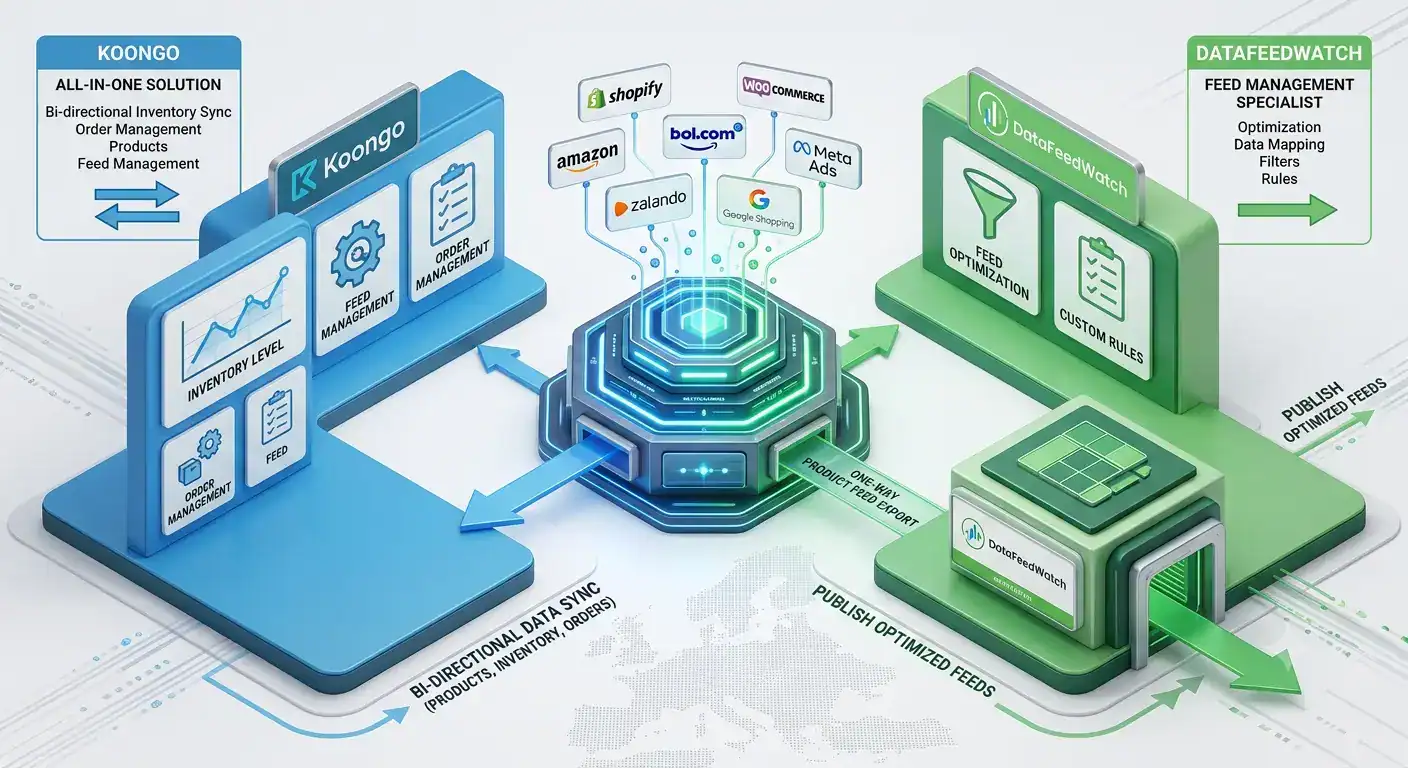
The main difference is feed management vs marketplace management: DataFeedWatch focuses on feed optimisation for advertising channels, while Koongo combines feed management with marketplace API integration, order sync, and inventory sync.

Koongo offers a permanent Free Plan and paid plans from EUR 12/month with a 7-day free trial – no credit card required.
Feed Manager is included in every plan as standard. Marketplace Manager is an add-on service and combining both costs the same as Marketplace Manager alone.

DataFeedWatch’s plans start at EUR 54/month for the Shop tier, with no permanent free plan.

Koongo’s marketplace order and inventory synchronization – and its bol.com Silver Partner status – are key differentiators for merchants selling directly on marketplaces, not just running ad feeds.

DataFeedWatch’s larger channel library (2,000+ across 60+ countries) suits agencies focused purely on advertising feed optimisation.

If you are comparing product feed tools, the decision usually comes down to one core distinction: feed management vs marketplace management. Feed management tools optimise and distribute your product data to advertising and comparison channels like Google Shopping or Meta Ads. Marketplace management goes further – it connects your store directly to marketplaces like Amazon, bol.com, or Zalando, syncing not just product listings but also inventory and orders.

This comparison is for merchants evaluating Koongo Pricing against DataFeedWatch as a DataFeedWatch alternative – particularly those selling on multiple marketplaces and channels from Shopify, WooCommerce, or Magento. DataFeedWatch is built primarily for feed management. Koongo combines feed management and marketplace integration software in one platform, which matters most if your roadmap includes direct marketplace selling rather than advertising feeds alone.

Below, we compare pricing, features, marketplace coverage, ease of use, and real costs for a sample store, so you can see which platform fits your specific situation.

Continue reading -> Continue reading →

How to Sell on bol.com: A Complete Guide for Online Stores

TL;DR
bol.com is the largest marketplace in the Netherlands and Belgium, with over 13 million active customers.
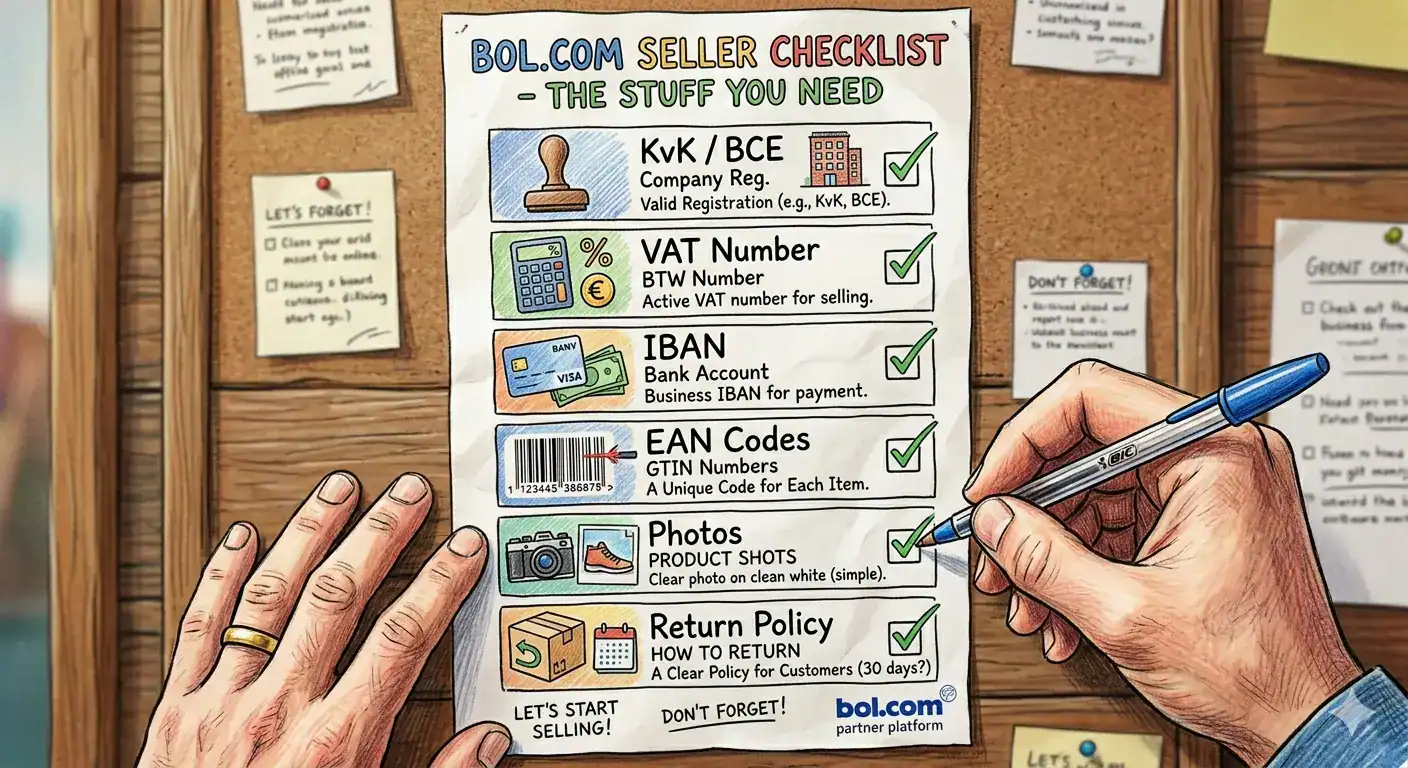
To sell on bol.com, you need a Dutch or Belgian business registration, a VAT number, and an EAN code for every product. Winning the bol.com Buy Box comes down to price, delivery speed, and seller rating – all three matter equally.
Connecting your Shopify or WooCommerce store via an API integration lets you manage listings, inventory, and orders without manual work. Most new bol.com sellers make their first sale within 2 to 4 weeks of going live.

bol.com processes more than 13 million orders per year and reaches over 13 million active customers across the Netherlands and Belgium. For any Dutch or Belgian online store looking to grow beyond its own webshop, it is the single most important marketplace to be on. The platform generated approximately EUR 5.3 billion in gross merchandise value in 2023, and third-party sellers now account for more than half of all sales.

Getting started on bol.com is straightforward if you know what the platform requires. This guide walks you through every step – from account registration and product requirements to the Buy Box, returns, and connecting your existing store.

Continue reading -> Continue reading →

Shopify + Marketplaces: How to Sell Everywhere From One Place

TL;DR
• Shopify’s built-in export tools generate basic product data files – not channel-ready feeds. Every major marketplace will reject a raw Shopify export without transformation.

• Connecting Shopify to marketplaces like bol.com, Amazon, and Zalando requires API-based integration, not just a product file upload.

• Order sync brings marketplace orders directly into your Shopify dashboard – so your team processes all orders in one place, regardless of which channel they came from.

• Your product feed must contain correctly formatted GTINs, channel-specific titles, accurate pricing, and real-time stock levels. Missing any of these causes disapprovals or overselling.

• The recommended setup sequence is: feed management first, then marketplace integration, then order and inventory automation – one channel at a time.

Shopify is one of the most popular e-commerce platforms in the Netherlands, Belgium, and across Europe – and for good reason. It is fast to set up, reliable to run, and straightforward to manage. But Shopify was built to run your own webshop. Selling on bol.com, Amazon, Zalando, or Google Shopping from the same backend requires a layer of infrastructure that Shopify does not include out of the box.

This guide explains exactly what Shopify can and cannot do natively for multichannel selling, how to connect your Shopify store to the marketplaces that matter for your market, and what the full setup looks like from first product feed to automated order management.

Continue reading -> Continue reading →

The Complete Guide to Marketplace Integration

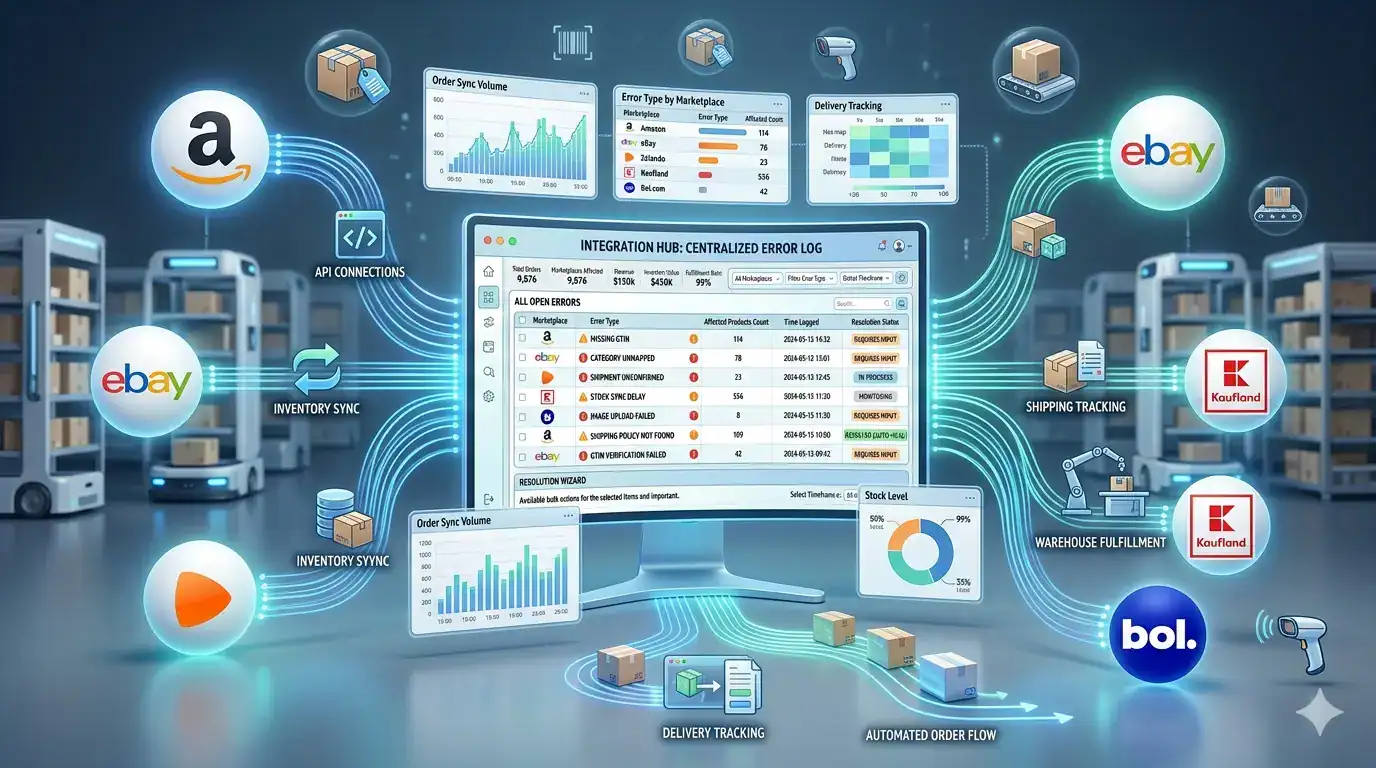
Selling on a marketplace is not the same as submitting a product feed to an advertising channel. When a customer buys from you on bol.com or Amazon, a commercial transaction happens that your store needs to know about, fulfil, and confirm – and the marketplace needs to receive real-time stock updates to prevent the next customer from ordering something you no longer have. This two-way operational relationship is what marketplace integration is built to manage.

This guide covers everything you need to understand about how marketplace integration works – the technical foundations, the order and inventory sync mechanics, returns handling, and the specific errors that cause the most disruption for sellers operating across multiple channels simultaneously.

Continue reading -> Continue reading →

How to Set Up a Product Feed for Google Shopping: Step-by-Step for WooCommerce and Shopify Stores

Key Takeaways

Google Shopping drives over 85% of all retail paid search clicks in most European markets. For online merchants selling physical products, it is typically the highest-volume paid acquisition channel available and the quality of your product feed determines how much of that traffic you actually reach.

This guide covers everything you need to set up a Google Shopping feed from a WooCommerce or Shopify store: what a feed is, which attributes Google requires, how to get your feed into Google Merchant Center, what errors to fix, and how to keep your feed performing over time. If you are setting this up for the first time, work through the sections in order. If you are troubleshooting an existing feed, jump to the error reference table.

Continue reading -> Continue reading →

What Is a Product Feed? A Simple Guide for E-commerce Stores

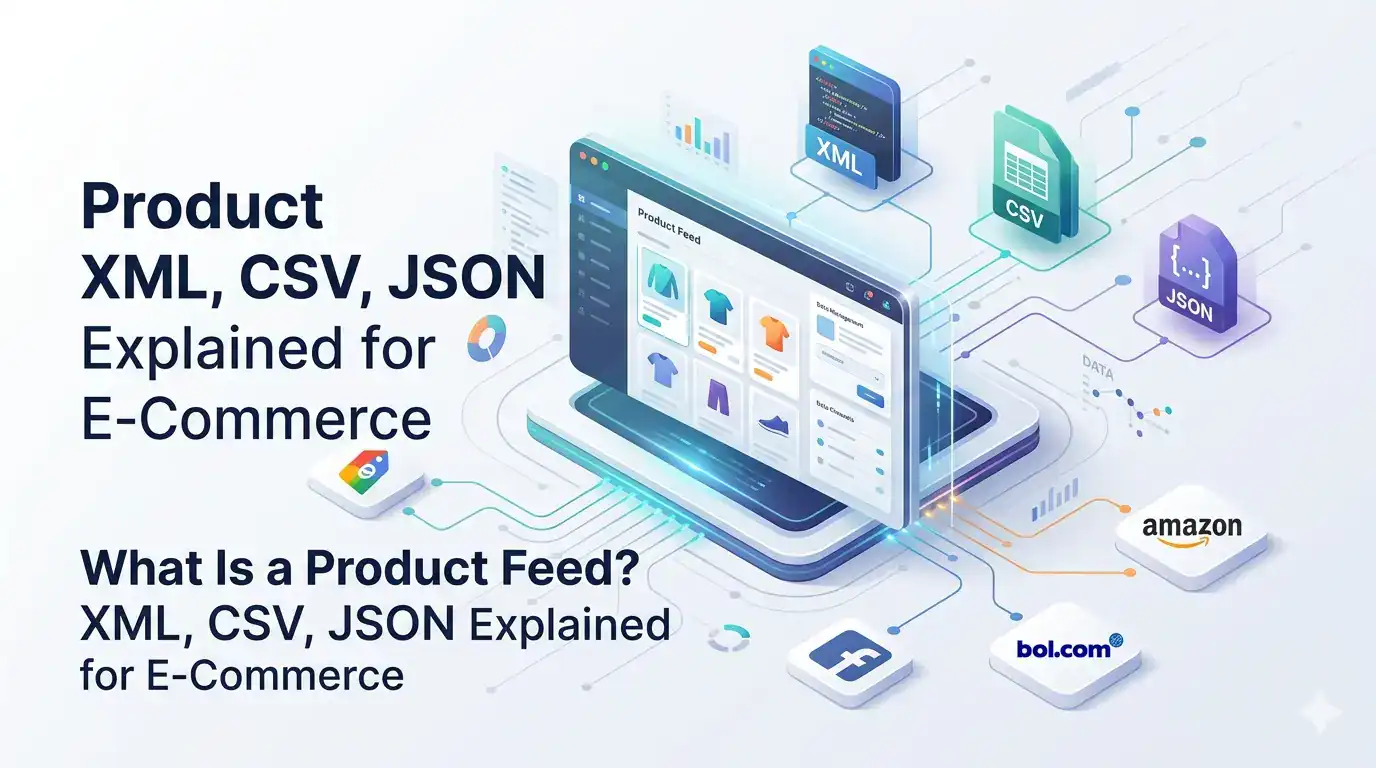
Every time your product appears on Google Shopping, bol.com, Facebook Ads, or a price comparison site, it got there through a product feed. The feed is the file that carries your product data from your store to the channel – and the quality of that file determines whether your products get approved, rank well, and convert.

Most e-commerce merchants have heard the term but are fuzzy on exactly what a feed contains, why formats differ across channels, and what “feed optimization” actually means in practice. This guide answers all of it in plain language no technical background required.

Continue reading -> Continue reading →

Why Manually Managing Product Data Is Costing You More Than You Think

Most online merchants underestimate how much time they spend managing product data – and almost all of them underestimate what it costs when that data is wrong. A store with 300 products selling across three channels – its own webshop, bol.com, and Google Shopping – has up to 900 separate product records to keep consistent. Every price change, stock update, description edit, or image replacement needs to happen in three places, in the right format, at the right time.

At small scale, this is annoying but manageable. At medium scale, it becomes a source of daily errors. At larger scale, it actively limits your growth – because every hour spent on manual data work is an hour not spent on sourcing, marketing, or customer experience.

This article puts concrete numbers on the problem, explains the mechanisms through which manual data management causes damage, and shows what a systematic alternative looks like.

Continue reading -> Continue reading →

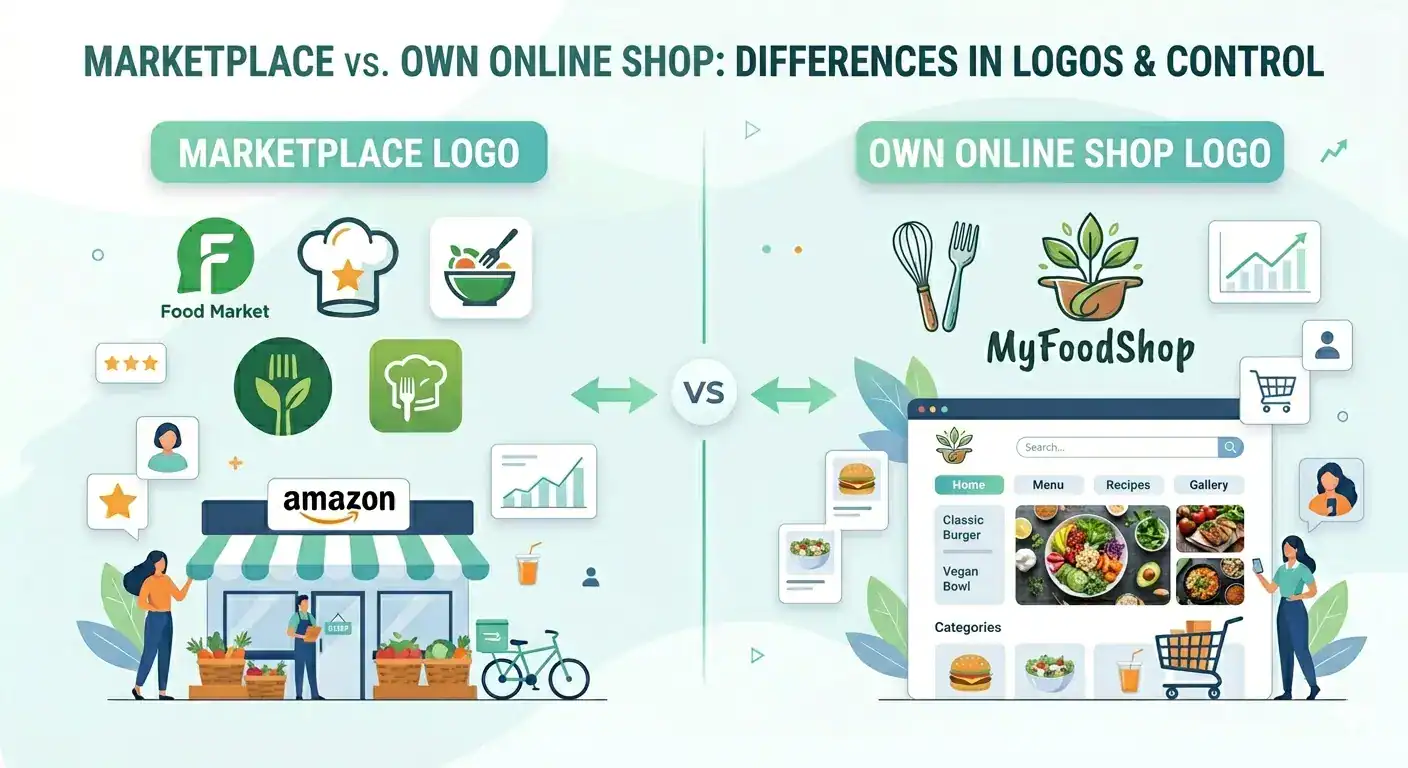
Selling on Marketplaces vs. Running Your Own Webshop: What Every Online Store Needs to Know

Key Takeaways

The debate between selling on marketplaces and running your own webshop is one of the most common decisions online merchants face and most advice oversimplifies it. The honest answer depends on your product margin, your category, and how much operational complexity you can handle.

This guide walks through the real trade-offs on both sides: reach, cost, customer loyalty, product fit, and what it takes to run both channels at once without doubling your workload.

Continue reading -> Continue reading →

Why Your Facebook Ads Are Showing Wrong Prices and Out-of-Stock Products

Minimal workspace illustration showing a webshop product feed connected to Facebook Commerce Manager, with automated product synchronization, dynamic Facebook ads, pricing data, and e-commerce analytics on a clean light background.

Key Takeaways
Facebook reads your product data from a feed file – not live from your store. If the feed is stale, your ads are wrong. The gap between your store and your Facebook catalog can be minutes or days, depending on your setup. A dynamic feed that updates every 15 to 30 minutes keeps prices, stock, and availability accurate.The most common fix is enabling scheduled feed fetching in Facebook Commerce Manager.Feed management tools automate this process and eliminate manual errors entirely.

Facebook and Instagram ads collectively reach over 3.2 billion people monthly, making them one of the most powerful channels for e-commerce merchants. But a poorly maintained product feed turns that reach into wasted spend. Merchants running dynamic product ads with outdated feeds report losing 15 to 30% of their daily ad budget to clicks on unavailable or mispriced products.

This article explains exactly why it happens, what a product catalog feed is and how it works, and how to fix the most common feed sync issues – step by step.

Continue reading -> Continue reading →

Sell everywhere with Koongo

or contact us for more details