

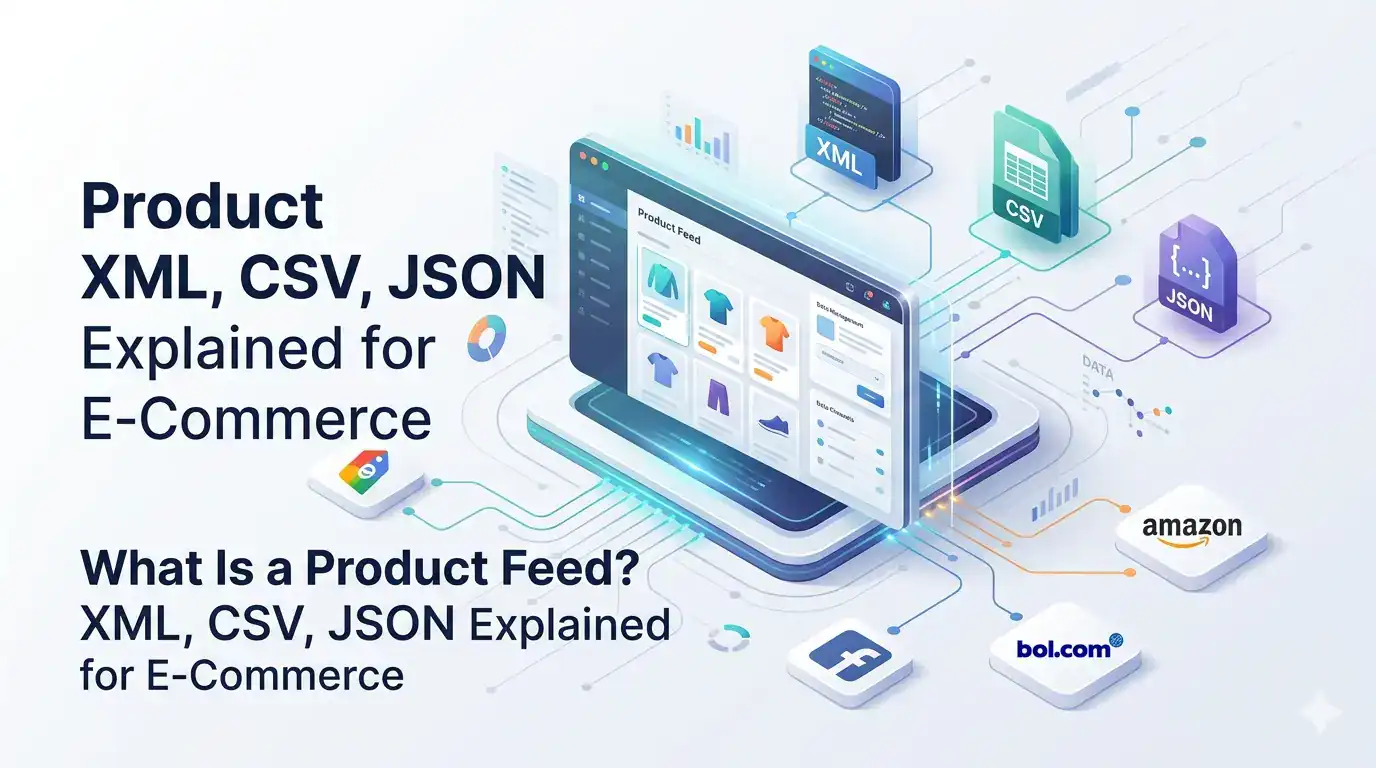
Every time your product appears on Google Shopping, bol.com, Facebook Ads, or a price comparison site, it got there through a product feed. The feed is the file that carries your product data from your store to the channel – and the quality of that file determines whether your products get approved, rank well, and convert.
Most e-commerce merchants have heard the term but are fuzzy on exactly what a feed contains, why formats differ across channels, and what “feed optimization” actually means in practice. This guide answers all of it in plain language no technical background required.
| Key Takeaways • A product feed is a file, not a plugin or a dashboard. It is the data file your store sends to external channels. • XML, CSV, and JSON are the three main file formats – and different channels require different ones. • Each channel (Google, Meta, Amazon, bol.com) has its own required and recommended attributes.• Poor feed quality costs you money daily – through disapprovals, lower ad rankings, and missed impressions.• Feed management tools like Koongo create and transform feeds automatically no CSV editing or code required. |

What is a product feed and what does it contain?
A product feed is a structured data file that contains information about all the products in your online store, formatted so that an external platform a marketplace, ad network, or price comparison site can read and display that information correctly. Think of it as a standardized export of your product catalog, built specifically for machines rather than human shoppers.
Every row in a feed represents one product (or one variant). Every column represents one data field – called an attribute. A typical product feed contains some or all of the following:
| Attribute | Example Value | Why It Matters |
| id | SKU-00412 | Unique identifier linking the feed row to your store product |
| title | Nike Air Max 270 – Black – Size 42 | The most important field for search ranking and click-through rate |
| description | 210 characters of structured product copy | Used for matching search queries and channel approval checks |
| link | https://yourstore.com/products/nike-air-max-270 | The landing page URL – must match exactly to pass price checks |
| image_link | https://yourstore.com/images/nike-am270-blk.jpg | Primary product image – resolution and background requirements vary by channel |
| price | 119.95 EUR | Must match your live store price exactly – mismatches cause disapprovals |
| availability | in stock | Controls whether the product is eligible to appear in results |
| gtin / ean | 0012345678905 | Product identifier required by Google, Amazon, bol.com, and most major channels |
| brand | Nike | Required by most channels; helps with brand-specific search matching |
| category | Apparel & Accessories > Shoes | Channel-specific taxonomy – must match the channel’s own category tree |
| condition | new | Required by Google Shopping and several marketplaces |
| shipping | 0 EUR:NL:::standard | Delivery cost and method – affects visibility on price-sensitive searches |
A feed for a store with 500 products contains 500 rows and potentially 30-50 columns, depending on which channel it is built for. Feeds update regularly – daily at minimum, every 5-30 minutes for inventory-sensitive channels – to keep price and stock data accurate.
XML, CSV, and JSON – what is the difference and which does each channel use?
Product feeds are distributed in three main file formats: XML, CSV, and JSON. The format does not change what data the feed contains – it only changes how that data is structured in the file. Different channels accept different formats, and some accept more than one.
| Format | Structure | Typical Use Cases | Human Readable? | File Size |
| XML | Hierarchical tags – like HTML but for data | Google Shopping, Meta Ads, most marketplaces, Koongo exports | Yes, but verbose | Larger – tags add overhead |
| CSV | Plain rows and columns – like a spreadsheet | Google Merchant Center (also accepts), manual uploads, bol.com bulk import | Yes – easy to open in Excel | Smaller – no tag overhead |
| JSON | Key-value pairs in nested objects | API-based integrations, developer workflows, some newer platforms | Yes, for developers | Medium |
| TXT | Tab-delimited plain text | Some comparison engines, affiliate networks, legacy channels | Yes | Smallest |
In practice, XML is the most widely required format across European channels. Google Shopping, Meta (Facebook/Instagram) Ads, Idealo, Beslist, and most marketplace connectors all accept or prefer XML. If you can generate a well-structured XML feed, you can reach the majority of major channels without format conversion.
🔗 [Source: Google Merchant Center Help]
| Real-world example: one store, three formats A WooCommerce store with 800 products needs to distribute to three channels simultaneously: • Google Merchant Center: requires XML with Google’s specific attribute names (g:id, g:title, g:price, etc.) • bol.com: accepts CSV via the seller portal for bulk product uploads• Beslist.nl: requires XML with Beslist’s own field names and category taxonomyA feed management tool generates all three files from the same source data – no manual reformatting required. |

Why does every channel require a different feed format?
Each channel has built its own data model independently – with different field names, different category structures, different required attributes, and different validation rules. There is no universal product feed standard that every platform agrees on. This is the core reason feed management exists as a discipline.
Even for a simple field like “price,” the format requirements differ across channels:
| Channel | Price Field Name | Required Format | Currency Handling |
| Google Shopping | g:price | 119.95 EUR | Currency code appended to value |
| Meta Ads | price | 119.95 EUR | Currency code appended to value |
| Amazon | StandardPrice | 119.95 | Currency set separately at account level |
| bol.com | price | 119.95 | Currency assumed NL/BE context |
| Beslist.nl | price | 11995 | Value in cents – no decimal separator |
| Idealo | price | 119,95 | Comma as decimal separator (DE/NL format) |
The same pattern repeats across every attribute – titles have different character limits, images have different dimension requirements, categories use entirely different taxonomy trees. Google uses its own category list with 6,000+ entries. Amazon uses browse nodes. bol.com uses its own internal category IDs. A product that maps correctly to Google’s taxonomy will not automatically map correctly to bol.com’s.
This is why a simple CSV export from WooCommerce or Shopify is not a ready-to-use product feed – it is raw data that needs transformation before any channel can use it correctly.
What happens if your feed is low quality?
Feed quality problems fall into two categories: hard errors that cause disapprovals, and soft errors that silently reduce your performance. Both cost you money – but soft errors are harder to detect because your products are still live, just underperforming.
| Problem Type | Example | Immediate Effect | Business Impact |
| Missing required attribute | No GTIN/EAN on Google Shopping | Product disapproved – not shown at all | Zero impressions, zero sales from that channel |
| Price mismatch | Feed shows EUR 89 but landing page shows EUR 99 | Product suspended by Google’s price check crawler | Account warning, potential suspension |
| Wrong availability status | Feed says “in stock” but product page shows “out of stock” | Customer clicks, reaches out-of-stock page | Wasted ad spend, higher bounce rate |
| Vague product title | “Blue Jacket” instead of “Levi’s Trucker Jacket – Blue – Size M” | Fewer search query matches, lower click-through rate | Lower visibility, higher cost-per-click |
| Low-resolution images | Image below 800x800px on Google Shopping | Product shown in smaller format or not eligible for prominent placement | Lower click-through rate vs. competitors |
| Stale data | Feed not updated for 3+ days during a sale event | Wrong price shown in ads during the sale | Customer complaints, potential policy violations |
| Wrong category mapping | Shoes mapped to “Clothing & Accessories” instead of “Shoes” | Product shown to wrong audience, lower relevance score | Lower conversion rate, higher CPC |
Industry benchmarks suggest that e-commerce stores with poorly optimized feeds spend 20-40% more per conversion in paid channels than stores with high-quality feeds – because disapproved products waste budget allocation and weak titles lower quality scores. The compounding effect over weeks and months is significant.
What are the mandatory attributes for the most common channels?
Every major channel publishes a list of required and optional attributes. Required attributes must be present for a product to be approved. Optional attributes improve ranking, match rate, and conversion – omitting them is not a policy violation, but it consistently produces weaker results.
| Attribute | Google Shopping | Meta Ads | Amazon | bol.com | Beslist.nl |
| id / sku | Required | Required | Required | Required | Required |
| title | Required | Required | Required | Required | Required |
| description | Required | Required | Required | Required | Required |
| link / url | Required | Required | – | Required | Required |
| image_link | Required | Required | Required | Required | Required |
| price | Required | Required | Required | Required | Required |
| availability | Required | Required | Required | Required | Required |
| gtin / ean | Required (most) | Recommended | Required | Required | Required |
| brand | Required (most) | Recommended | Required | Required | Required |
| google_product_category | Recommended | Required | – | – | – |
| condition | Required | Required | Required | Optional | Optional |
| shipping | Recommended | Optional | Required | Required | Optional |
| color / size | Recommended | Recommended | Required (apparel) | Optional | Optional |
The GTIN (Global Trade Item Number, also called EAN in Europe) deserves special attention. It is the barcode number printed on product packaging. Google Shopping requires it for branded products – submitting a branded product without a valid GTIN results in limited visibility or outright disapproval. bol.com and most European marketplaces require it for all product categories without exception.
| What if your products do not have GTIN codes? Handmade, custom, or private-label products are the main exception. Google Shopping allows you to set identifier_exists = “no” for products without a manufacturer barcode. bol.com has a separate exemption request process for custom products.For branded products where you have physical stock but no EAN code registered – you can purchase and register official GS1 EAN codes. A block of 10 GS1 EAN codes costs approximately EUR 125-250 depending on your country, and they are valid permanently. |

How do you create a product feed without coding?
You do not need a developer or technical knowledge to create and distribute product feeds. Feed management tools connect directly to your store – Shopify, WooCommerce, Magento, PrestaShop – and handle the entire process: pulling your product data, transforming it to each channel’s required format, and delivering the finished feed automatically.
The typical workflow looks like this:
- Connect your store – Install the feed management tool’s plugin or connect via API. Your product catalog (titles, descriptions, prices, images, stock) is imported automatically.
- Select your target channels – Choose which channels you want to distribute to: Google Shopping, Meta Ads, bol.com, Beslist, Idealo, or 500+ others. Each channel has a pre-built template already configured with the correct field names and format.
- Map your attributes – Align your store’s data fields to each channel’s required fields. For example, your store’s “product_name” field becomes “g:title” in the Google Shopping feed. Most tools use a visual drag-and-drop interface for this.
- Set transformation rules – Use the feed manager’s rules editor to clean and optimize data without touching your store. For example: add your brand name to the start of every title, convert prices to the channel’s required format, or filter out products below a certain margin threshold.
- Schedule automatic updates – Set how often your feed refreshes. For inventory-sensitive channels like marketplaces, every 15-30 minutes is standard. For advertising feeds like Google Shopping, 1-4 times per day is typically sufficient.
- Submit the feed to the channel – Feed management tools generate a URL for each feed. You paste this URL into the channel’s dashboard (Google Merchant Center, Meta Commerce Manager, etc.), and the channel fetches updated data on your schedule automatically.
Koongo, for example, generates ready-to-use feed files for 500+ channels directly from your Shopify or WooCommerce store. The rules editor allows you to apply data transformations per channel without any coding – so your Google Shopping feed can have optimized titles while your bol.com feed uses a different title format, both generated from the same source data.
Frequently Asked Questions
Your product catalog is the master database inside your store – containing all your product data as you have entered it. A product feed is a formatted export of that catalog, restructured to match a specific channel’s requirements. One catalog can generate dozens of different feeds for different channels, each formatted differently from the same source data.
It depends on the channel and how frequently your prices and stock change. For Google Shopping, Google recommends at minimum one update per day. For marketplaces like bol.com or Amazon, where overselling a product can result in order cancellations and account penalties, updates every 15-30 minutes are standard practice. During sale events or heavy promotion periods, even more frequent updates reduce the risk of price mismatches.
Technically yes – Google Merchant Center accepts CSV uploads. But a raw WooCommerce or Shopify export will fail validation because the column names, price format, category taxonomy, and GTIN field will not match Google’s requirements. You would need to manually reformat every column before each upload. Feed management tools automate this transformation so you never touch a CSV manually.
A feed URL is a link to a live feed file hosted by your feed management tool. When you register a feed URL in Google Merchant Center or another channel, the channel fetches fresh data from that URL on a schedule you set. A file upload is a one-time manual action where you upload a static file. Feed URLs are strongly preferred because they keep your data current without any manual intervention.
Generally yes, if you sell in multiple countries with different languages, prices, or VAT rates. Google Shopping requires separate feeds per target country in Merchant Center. bol.com operates as a single NL/BE marketplace, so one feed covers both markets. For true international expansion – selling in Germany, France, Spain separately – you typically need separate feeds with local language titles, local prices, and country-specific shipping information.
This is a very common situation – and one of the most valuable things a feed management tool lets you address. You can create filter rules that include only products meeting specific criteria: minimum margin, minimum stock level, specific categories, or custom labels. Sending only your best-performing products to paid channels like Google Shopping significantly improves your return on ad spend compared to advertising your entire catalog.
🔗 [Source: Shopify Blog]
Your feed is the foundation of every channel you sell on
A product feed is not a technical detail that only developers need to understand. It is the file that determines whether your products appear on Google, whether your Facebook ads show the right price, and whether your bol.com listings get approved. Every channel you sell on runs on feed data.
The practical implication: investing time in feed quality produces compounding returns. Better titles improve click-through rates. Accurate GTINs eliminate disapprovals. Correct prices prevent ad suspensions. Faster update frequency prevents overselling. None of these improvements require a developer – they require the right tool and the right setup.
| Want to see what your feed looks like across channels? Koongo connects to your Shopify, WooCommerce, or Magento store and generates ready-to-use feeds for 500+ channels – including Google Shopping, Meta Ads, bol.com, Beslist, and more. The feed rules editor lets you optimize titles, filter products, and format data per channel without writing a single line of code.Plans start from EUR 12/month with a 7-day free trial – no credit card required. |