The Koongo wizard is an interactive setup interface that guides you through every stage of marketplace integration - from account connection to direct product and order synchronization.
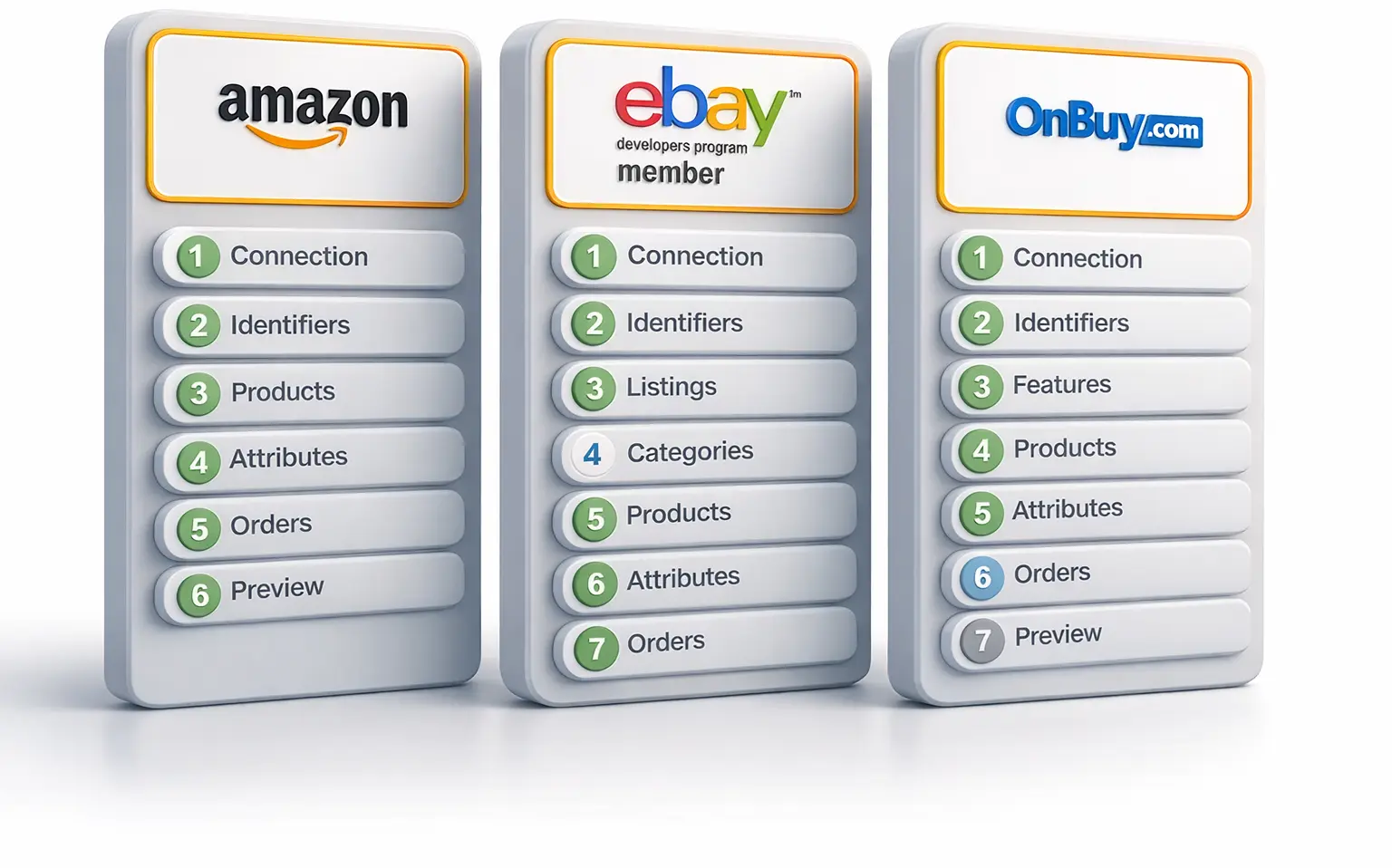
Connect your store to your marketplace account
List and publish products without technical skills
Import marketplace orders into your store
Automatically sync products, orders, and updates
Whether you're launching on your first marketplace or managing multiple channels, the wizard adapts to your workflow.
Launch products on new marketplaces with a simple, low-code setup - whether you use Shopify, WooCommerce, or another platform.
Scale into new regions and international marketplaces with full control over product distribution.
Manage multiple brands, storefronts, and marketplace accounts efficiently from one place.
Depending on the marketplace and integration, the wizard supports various listing workflows.

Quickly publish offers to marketplaces such as Amazon, Bol, and Cdiscount.

Add missing products to marketplace catalogs like Amazon or Kaufland.

Set up and manage your eBay and other listings in just a few clicks.

Keep pricing and stock levels up-to-date across every channel.

Automatically import marketplace orders into your store while keeping shipments, cancellations, and tracking updates synced.
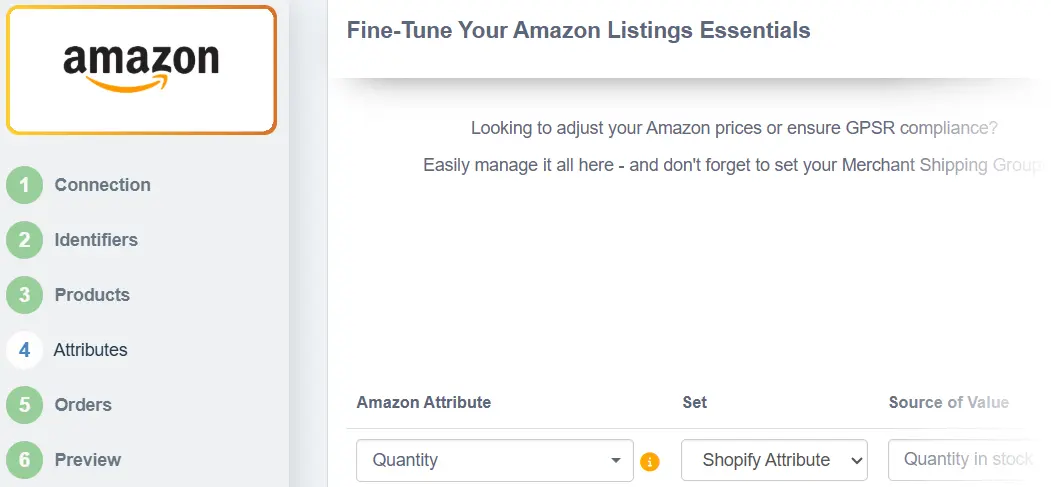
The wizard is designed for merchants, not developers. You don’t need to know how APIs or sync work — each integration is broken down into simple, intuitive steps that walk you through everything from account connection to product sync.
No coding or manual file setup required
Tooltips and inline suggestions help reduce errors
Every supported marketplace comes with preconfigured settings that reflect its unique requirements. Koongo automatically fills in standard fields like product title, price, GTIN, stock level, and shipping info based on the marketplace you choose.
Marketplace-specific templates
Saves hours of manual configuration
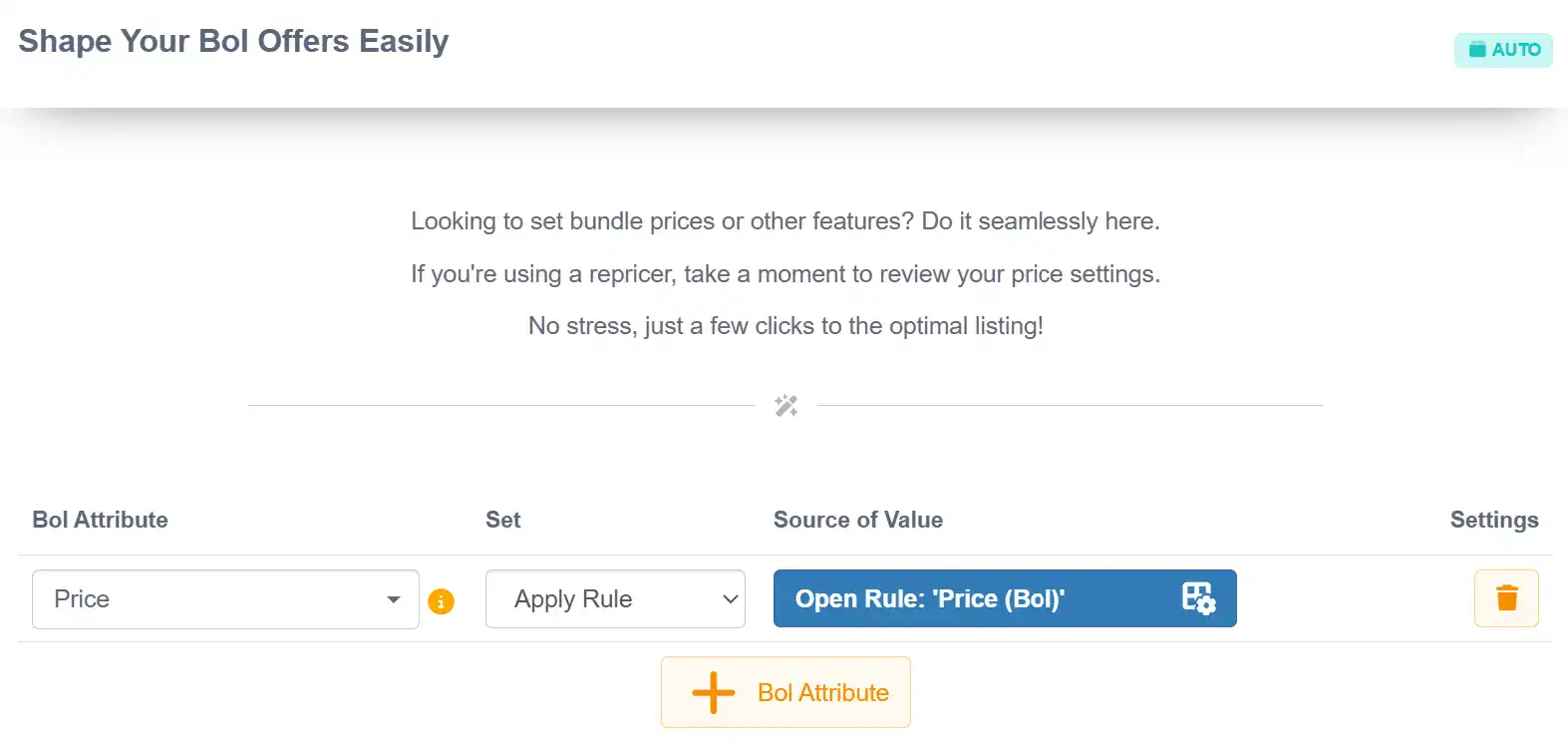
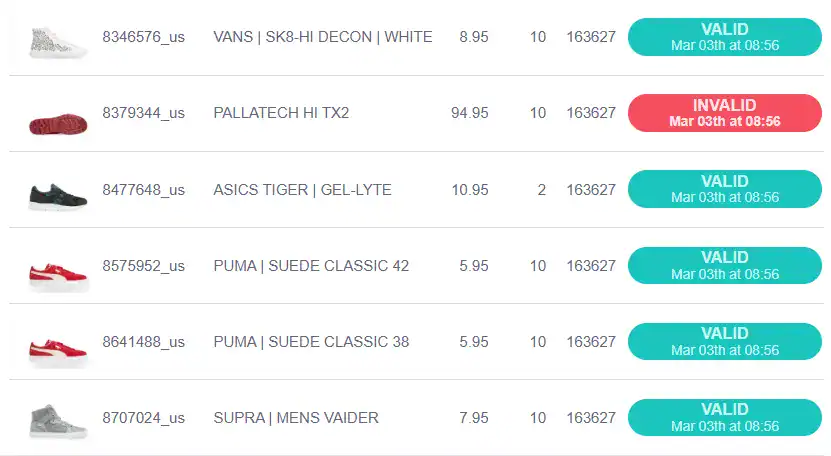
Before any product data is sent to a marketplace, Koongo allows you to preview the complete listing. You can inspect mapped values, identify missing or invalid fields, and resolve issues right away.
Table-style data preview for every product
Once set up, all marketplace connections are managed from a single Koongo interface. This lets you track product sync status, order imports, and listing performance across all channels — without switching tabs or tools.
Centralized view of all connected marketplaces
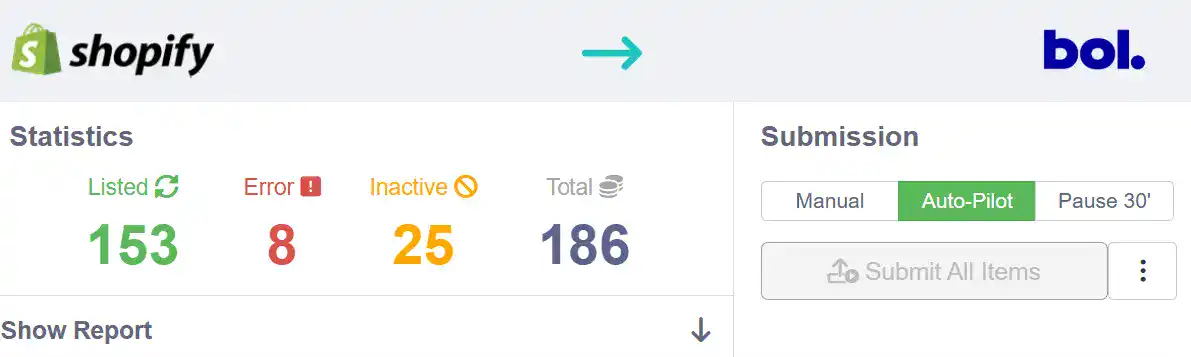
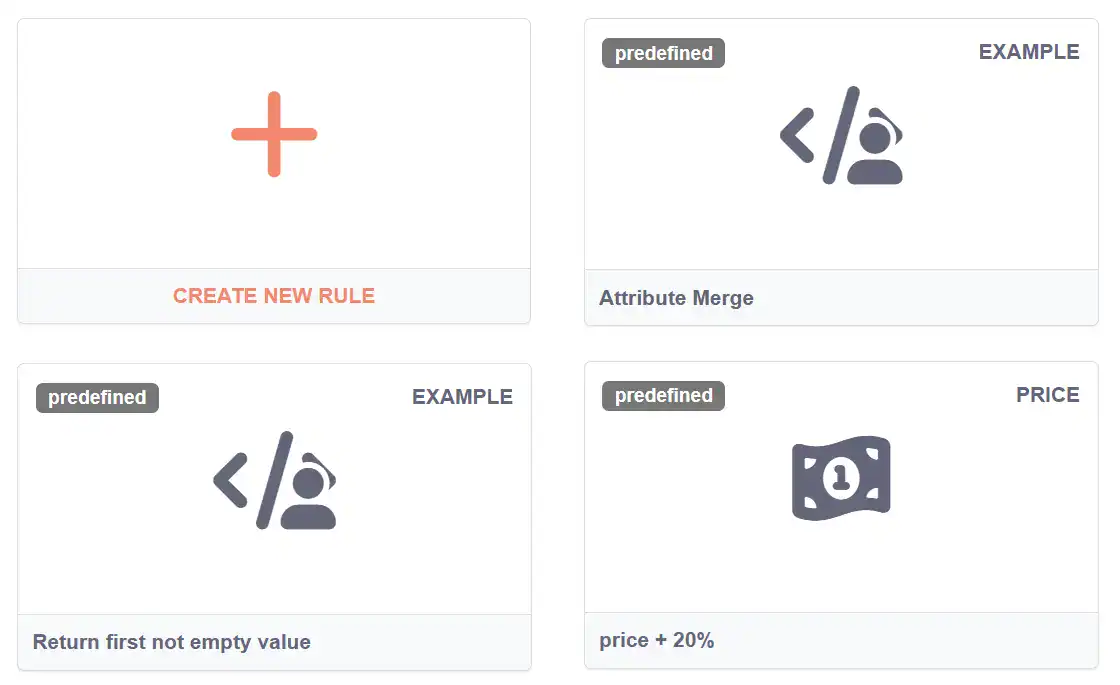
The Wizard doesn’t limit flexibility. It’s fully integrated with Koongo’s rules system and filtering engine, so you can customize how product data behaves on a per-channel basis.
Apply attribute transformations (e.g. title formatting, rounding prices)
Add pricing logic per marketplace or product group
The Wizard supports over 50 channels including:
Each integration includes regional settings, account selection, and automatic field mapping where possible.

Start connecting marketplaces and grow your sales

 EN
EN