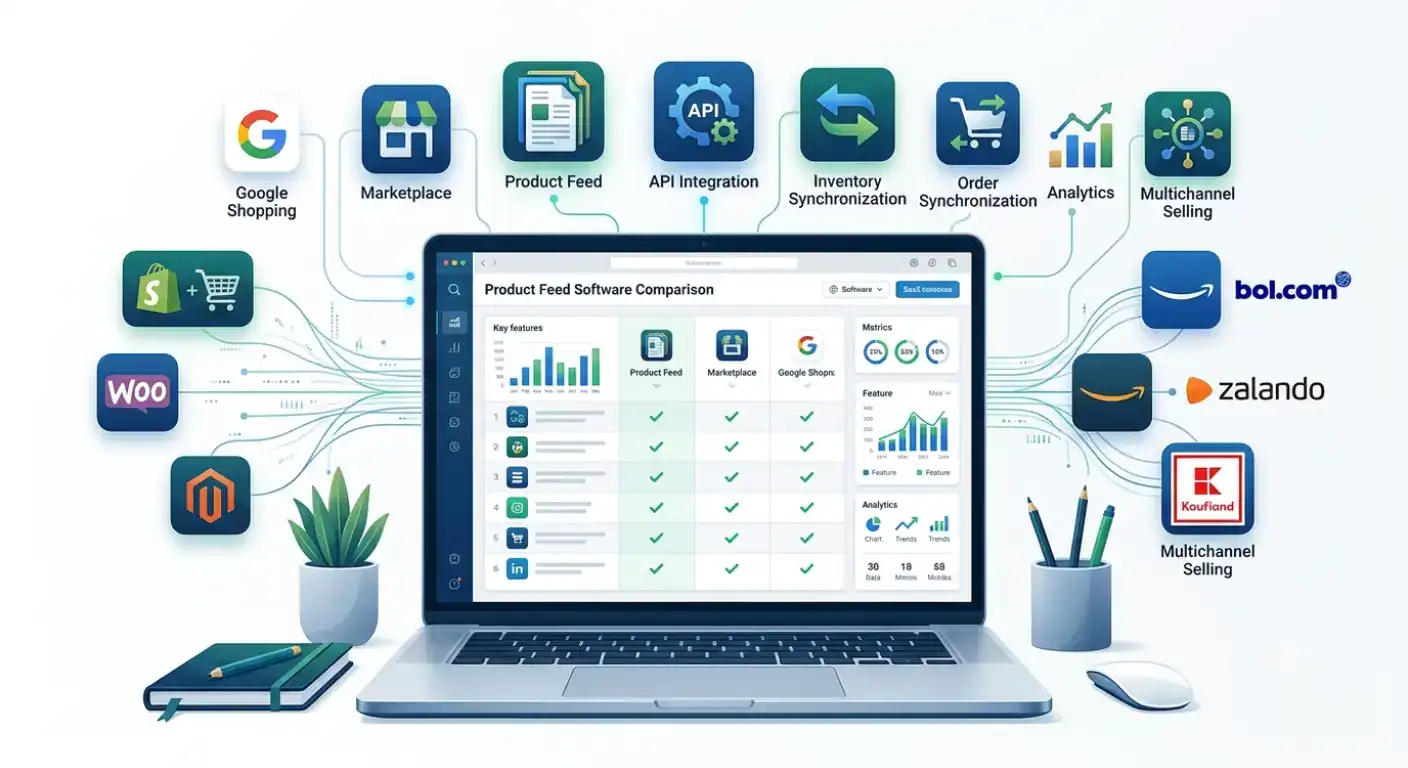
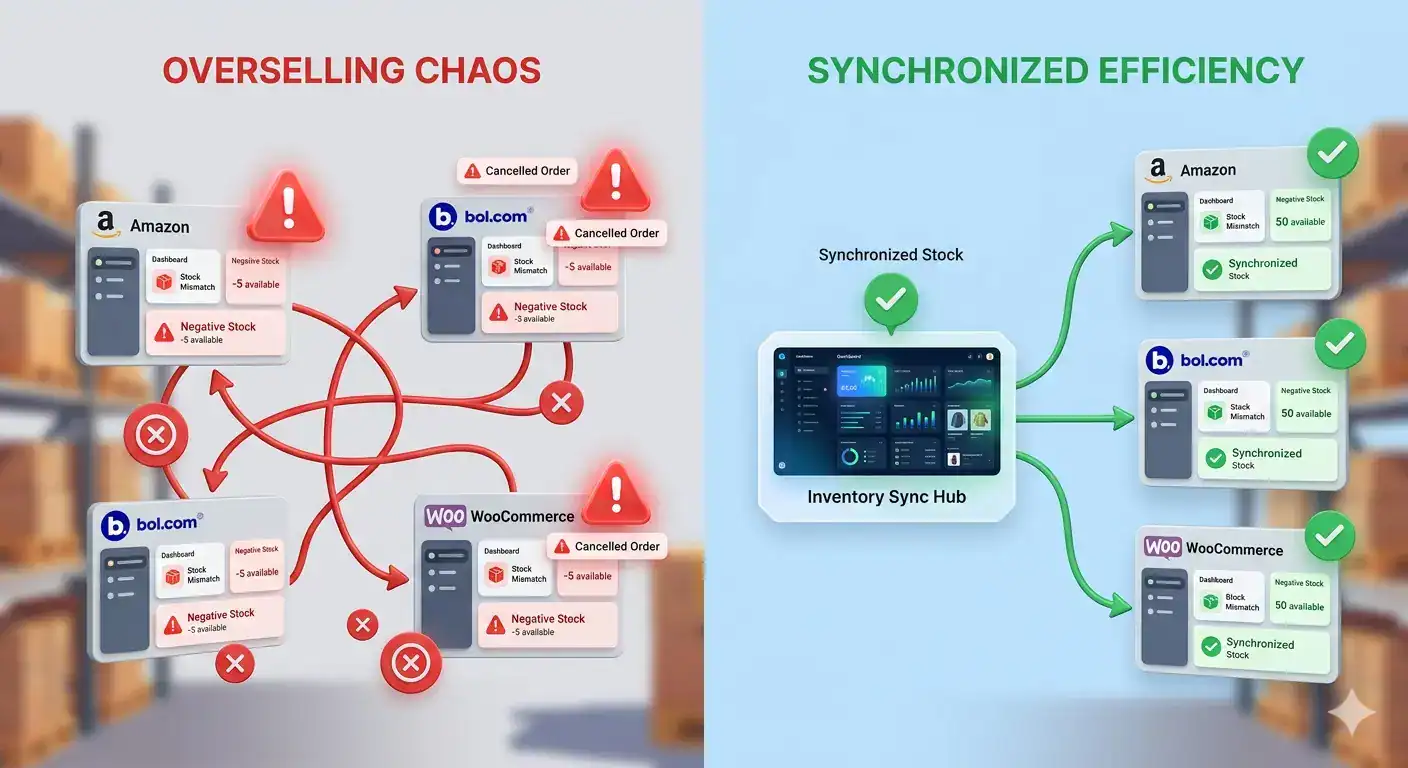
Running an online store gets more complex with every new sales channel, order, integration, and customer touchpoint. The right ecommerce software brings that complexity under control by connecting key processes, reducing repetitive work, and helping teams scale without adding unnecessary admin.
This guide highlights 13 of the best ecommerce software tools for 2026, each solving a different part of running an online store, from integrations and CRM to payments, support, pricing, and UX.
Think about everyone who has logged into your Koongo account in the last twelve months.
The freelancer who fixed your Google Shopping feed in the spring. The agency that onboarded you to bol.com. The developer who touched your rules once and never came back. The colleague who left in June.
How many of them could still sign into your Koongo account right now?
If the answer is “I’d have to check,” you already know the problem. And if the answer is “all of them, we use the same password,” you’re in good company — it’s the most common way small ecommerce teams work, right up until the day it isn’t.
This comparison is based on publicly available product information, pricing pages, and user reviews as of mid-2026. Prices and features change. Verify with each vendor before purchasing.
Product feed software eliminates that work. It connects to your store, applies transformation rules to match each channel’s requirements, and distributes your catalog automatically on a schedule. The question is which tool fits your specific combination of channels, store platform, team size, and budget.
This guide compares six tools across the features that actually matter for the decision: channel coverage, marketplace depth, pricing structure, ease of setup, and who each tool is genuinely best for.
Google Shopping drives over 85% of all retail paid search clicks in most European markets. For online merchants selling physical products, it is typically the highest-volume paid acquisition channel available and the quality of your product feed determines how much of that traffic you actually reach.
This guide covers everything you need to set up a Google Shopping feed from a WooCommerce or Shopify store: what a feed is, which attributes Google requires, how to get your feed into Google Merchant Center, what errors to fix, and how to keep your feed performing over time. If you are setting this up for the first time, work through the sections in order. If you are troubleshooting an existing feed, jump to the error reference table.
Every time your product appears on Google Shopping, bol.com, Facebook Ads, or a price comparison site, it got there through a product feed. The feed is the file that carries your product data from your store to the channel – and the quality of that file determines whether your products get approved, rank well, and convert.
Most e-commerce merchants have heard the term but are fuzzy on exactly what a feed contains, why formats differ across channels, and what “feed optimization” actually means in practice. This guide answers all of it in plain language no technical background required.
Key Takeaways Facebook reads your product data from a feed file – not live from your store. If the feed is stale, your ads are wrong. The gap between your store and your Facebook catalog can be minutes or days, depending on your setup. A dynamic feed that updates every 15 to 30 minutes keeps prices, stock, and availability accurate.The most common fix is enabling scheduled feed fetching in Facebook Commerce Manager.Feed management tools automate this process and eliminate manual errors entirely.
Facebook and Instagram ads collectively reach over 3.2 billion people monthly, making them one of the most powerful channels for e-commerce merchants. But a poorly maintained product feed turns that reach into wasted spend. Merchants running dynamic product ads with outdated feeds report losing 15 to 30% of their daily ad budget to clicks on unavailable or mispriced products.
This article explains exactly why it happens, what a product catalog feed is and how it works, and how to fix the most common feed sync issues – step by step.
If you’re torn between Shopify vs WooCommerce, this article is for you. We’ll compare their features, costs, and ease of use so you can make an informed decision for your eCommerce business.
Black Friday and Cyber Monday are the largest shopping events of the year, offering discounts and special deals that attract millions of shoppers. In 2024, Black Friday will fall on November 29 and Cyber Monday on December 2. During BFCM 2023, U.S. consumers spent over $9.12 billion online on Black Friday alone, marking a 2.3% increase from the previous year. With sales continuing to grow, BFCM 2024 is expected to reach even higher figures, presenting WooCommerce stores with a significant opportunity.
Koongo uses cookies to improve your experience. By clicking “Accept”, you consent to the use of ALL the cookies. However, you may visit Cookie Settings to provide controlled consent. Cookie settingsACCEPT
Cookies
Privacy Overview
Koongo uses cookies to improve your experience while you navigate through the website. These cookies will be stored in your browser only with your consent. Learn more
Necessary cookies are absolutely essential for the website to function properly. This category only includes cookies that ensure the basic functionalities and security features of the website. These cookies do not store any personal information.
Cookie
Type
Duration
Description
_GRECAPTCHA
1
5 months 27 days
This cookie is set by Google. In addition to certain standard Google cookies, reCAPTCHA sets a necessary cookie (_GRECAPTCHA) when executed for the purpose of providing its risk analysis.
cookielawinfo-checkbox-advertisement
1
1 year
The cookie is set by GDPR cookie consent to record the user consent for the cookies in the category "Advertisement".
cookielawinfo-checkbox-analytics
1
1 year
This cookies is set by GDPR Cookie Consent WordPress Plugin. The cookie is used to remember the user consent for the cookies under the category "Analytics".
cookielawinfo-checkbox-live-chat
1
1 year
No description
cookielawinfo-checkbox-necessary
0
11 months
This cookie is set by GDPR Cookie Consent plugin. The cookies is used to store the user consent for the cookies in the category "Necessary".
cookielawinfo-checkbox-non-necessary
0
11 months
This cookie is set by GDPR Cookie Consent plugin. The cookies is used to store the user consent for the cookies in the category "Non Necessary".
cookielawinfo-checkbox-performance
1
1 year
This cookie is set by GDPR Cookie Consent plugin. The cookie is used to store the user consent for the cookies in the category "Performance".
gr
1
90 days
This cookie is used by Reditus Affiliate system. Reditus does not build a tracking profile - learn more.
intercom-device-id-tctfy2ty
persistent
9 months
First party cookie is set by Intercom for Messenger. Used to identify the device interacting with the Messenger in order to improve security.
intercom-id-tctfy2ty
persistent
9 months
First party cookie is set by Intercom for Messenger. Anonymous visitor identifier cookie. Allows visitors to see any conversations they've had on Koongo websites.
intercom-session-tctfy2ty
session
7 days
First party cookie is set by Intercom for Messenger. Allows users to access their conversations and have data communicated on logged out pages for 1 week. Identifier for each unique browser session. This session cookie is refreshed on each successful logged-in ping, extending it one week from that moment.
language
0
1 week
Cookie for the language selector on the website.
viewed_cookie_policy
0
11 months
The cookie is set by the GDPR Cookie Consent plugin and is used to store whether or not user has consented to the use of cookies. It does not store any personal data.
We use these cookies to allow live-chat on the website.
Cookie
Type
Duration
Description
__cfruid
1
session
This cookie is set by the provider Cloudflare. This cookie is used for load balancing and for identifying trusted web traffic.
AWSALBCORS
1
7 days
This cookie is used for load balancing services provded by Amazon inorder to optimize the user experience. Amazon has updated the ALB and CLB so that customers can continue to use the CORS request with stickness.
Analytical cookies are used to understand how visitors interact with the website. These cookies help provide information on metrics the number of visitors, bounce rate, traffic source, etc.
Cookie
Type
Duration
Description
_ga
0
2 years
This cookie is installed by Google Analytics. The cookie is used to calculate visitor, session, camapign data and keep track of site usage for the site's analytics report. The cookies store information anonymously and assigns a randoly generated number to identify unique visitors.
_gid
0
1 day
This cookie is installed by Google Analytics. The cookie is used to store information of how visitors use a website and helps in creating an analytics report of how the wbsite is doing. The data collected including the number visitors, the source where they have come from, and the pages viisted in an anonymous form.
_uv_id
session
2 years
The cookie is set by Google Analytics. The cookie is used to collects data on the user’s visits to the website, such as which pages have been read.
SL_C_23361dd035530_SID
0
2 years
This cookie is installed by Smartlook. The cookie contains the project key, session ID, and visitor ID. Session and visitor IDs are unique identifiers assigned to new sessions and visitors.
UIDR
0
1 year
This cookie is set bu scorecardresearch.com. The cookie is used to tracks the users activity across the internet on the browser such as visit timestamp, IP address, and most recently visited webpages. and may the data send to 3rd party for analysis and reporting to help their clients better understand user preferences.
Performance cookies are used to understand and analyze the key performance indexes of the website which helps in delivering a better user experience for the visitors.
Cookie
Type
Duration
Description
_gat
0
1 minute
This cookies is installed by Google Universal Analytics to throttle the request rate to limit the colllection of data on high traffic sites.
Advertisement cookies are used to provide visitors with relevant ads and marketing campaigns. These cookies track visitors across websites and collect information to provide customized ads.
Cookie
Type
Duration
Description
__oaiq_consent
persistent
1 year
Set by the OpenAI Ads Pixel (ChatGPT Ads). Stores the visitor's measurement consent state for the pixel.
__obref
persistent
1 year
Set by the OpenAI Ads Pixel (ChatGPT Ads). Stores a random browser identifier used to measure conversions from ChatGPT ads.
__oppref
persistent
30 days
Set by the OpenAI Ads Pixel (ChatGPT Ads). Stores the ad click reference from the landing URL to attribute conversions to ChatGPT ads.
_gcl_au
persistent
3 months
Used by Google AdSense for experimenting with advertisement efficiency across websites using their services
IDE
persistent
1 year
This cookie is set by Doubleclick and carries out information about how the end user uses the website and any advertising that the end user may have seen before visiting the said website.
NID
1
6 months
This cookie is used to a profile based on user's interest and display personalized ads to the users.
test_cookie
session
11 months
The cookie is used to check if the user’s browser supports cookies.
uid
0
1 year
This cookie is used to measure the number and behavior of the visitors to the website anonymously. The data includes the number of visits, average duration of the visit on the website, pages visited, etc. for the purpose of better understanding user preferences for targeted advertisments.