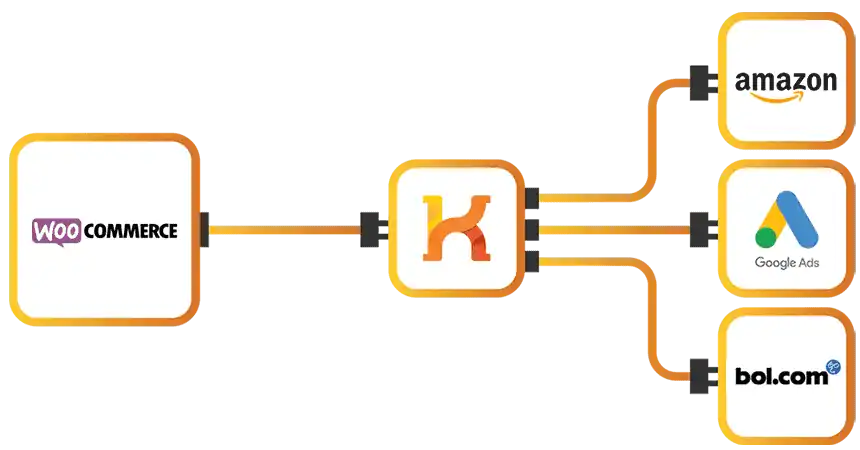






WooCommerce turns any WordPress website into a powerful online store. It's fully customizable, scalable, and supported by a global community of developers. From small online shops to enterprise-level catalogs, WooCommerce gives you full control over your products, orders, and customer experience.
Koongo for WooCommerce enhances your store with powerful feed automation, order integration, and advanced channel management. You can sell on global marketplaces, price comparison sites, and marketing channels — all without leaving your WordPress admin panel.
With Koongo, you can:
Automatically sync product data like price, stock, images, and descriptions across all your channels
Import marketplace orders directly into WooCommerce for centralized fulfillment
Customize product feeds per channel using filters, pricing rules, and feed logic
Export product data in multiple formats, ready for 500+ channels worldwide


Koongo’s easy-to-use wizard walks you through connecting your WooCommerce store to popular sales channels like Amazon, Bol.com, and eBay. Built-in health checks ensure a smooth, error-free setup - no tech experience required.

Automatically sync your product listings from WooCommerce to all connected channels. Koongo ensures your data is consistent and always up to date, saving you time and reducing manual errors.

Koongo regularly updates your stock levels across every channel connected to your WooCommerce store. This helps prevent overselling and keeps your inventory accurate, even during busy sales periods.

Koongo imports marketplace orders directly into your WooCommerce store and updates your inventory in real-time. Centralize your order processing, streamline fulfillment, and save hours of manual work.

Fine-tune your product data using Koongo’s Rules Editor. Modify pricing, filter items, and adjust attributes to meet the exact specifications of each marketplace—automatically.
Get started with Koongo for free – no credit card required. Paid plans start from €24/month, with pricing based on your store’s needs. Upgrade or adjust your plan anytime as your business grows.