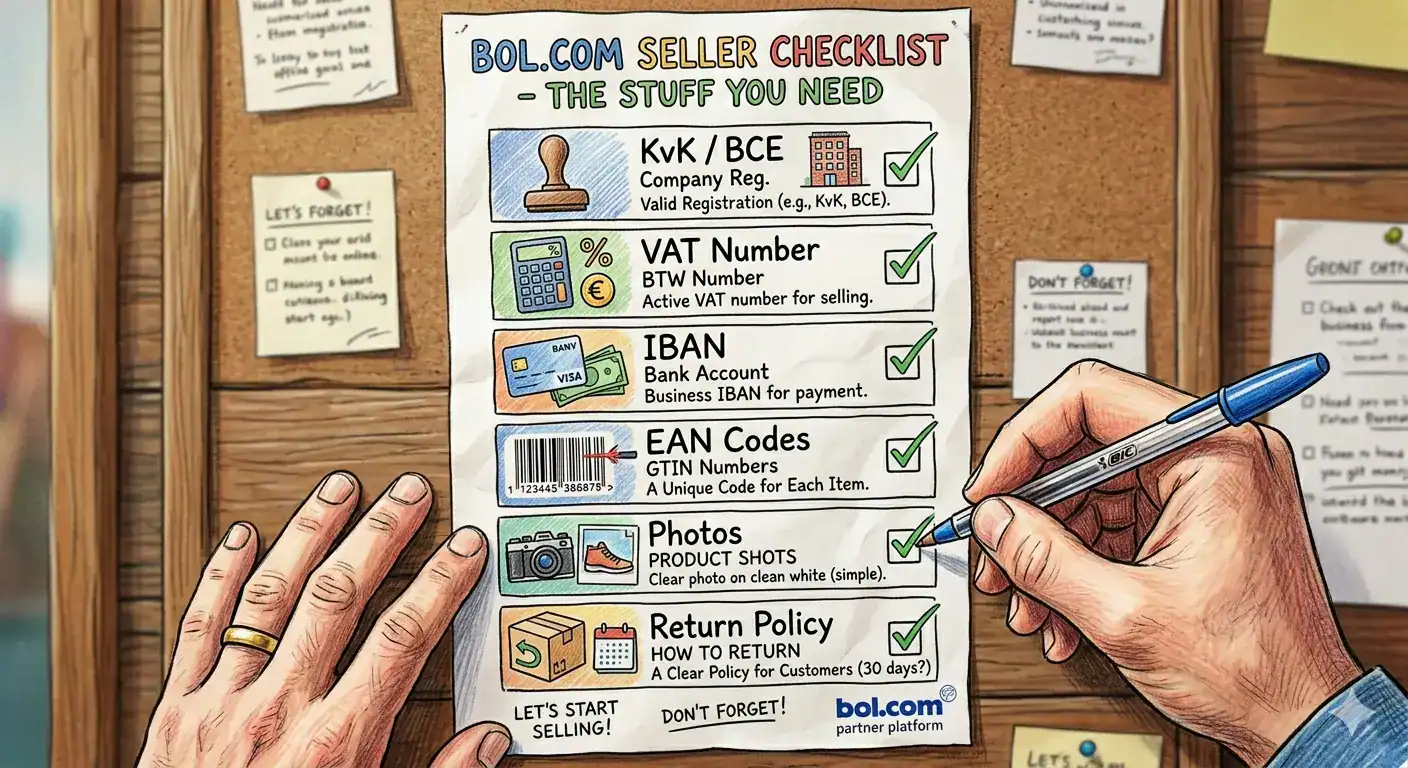
| TL;DR bol.com is the largest marketplace in the Netherlands and Belgium, with over 13 million active customers. To sell on bol.com, you need a Dutch or Belgian business registration, a VAT number, and an EAN code for every product. Winning the bol.com Buy Box comes down to price, delivery speed, and seller rating – all three matter equally. Connecting your Shopify or WooCommerce store via an API integration lets you manage listings, inventory, and orders without manual work. Most new bol.com sellers make their first sale within 2 to 4 weeks of going live. |
bol.com processes more than 13 million orders per year and reaches over 13 million active customers across the Netherlands and Belgium. For any Dutch or Belgian online store looking to grow beyond its own webshop, it is the single most important marketplace to be on. The platform generated approximately EUR 5.3 billion in gross merchandise value in 2023, and third-party sellers now account for more than half of all sales.
Getting started on bol.com is straightforward if you know what the platform requires. This guide walks you through every step – from account registration and product requirements to the Buy Box, returns, and connecting your existing store.
(more…) Continue reading →
A new European marketplace is about to launch, and the entry cost is one month’s subscription. easyShop, a partnership between easyGroup (the brand behind easyJet) and OnBuy, opens to consumers in 21 countries across the UK and Europe in time for peak season 2026. Seller onboarding is open now.
Here’s the part that matters for your budget: sign up and pay your first subscription month by 31 July 2026, and your next 12 months of subscription fees are free. And because easyShop runs on the OnCommerce platform, every merchant selling on OnBuy automatically starts selling on easyShop when it opens. Same catalogue, same subscription, no extra listing work.
(more…) Continue reading →
| TL;DR • Shopify’s built-in export tools generate basic product data files – not channel-ready feeds. Every major marketplace will reject a raw Shopify export without transformation. • Connecting Shopify to marketplaces like bol.com, Amazon, and Zalando requires API-based integration, not just a product file upload. • Order sync brings marketplace orders directly into your Shopify dashboard – so your team processes all orders in one place, regardless of which channel they came from. • Your product feed must contain correctly formatted GTINs, channel-specific titles, accurate pricing, and real-time stock levels. Missing any of these causes disapprovals or overselling. • The recommended setup sequence is: feed management first, then marketplace integration, then order and inventory automation – one channel at a time. |
Shopify is one of the most popular e-commerce platforms in the Netherlands, Belgium, and across Europe – and for good reason. It is fast to set up, reliable to run, and straightforward to manage. But Shopify was built to run your own webshop. Selling on bol.com, Amazon, Zalando, or Google Shopping from the same backend requires a layer of infrastructure that Shopify does not include out of the box.
This guide explains exactly what Shopify can and cannot do natively for multichannel selling, how to connect your Shopify store to the marketplaces that matter for your market, and what the full setup looks like from first product feed to automated order management.
(more…) Continue reading →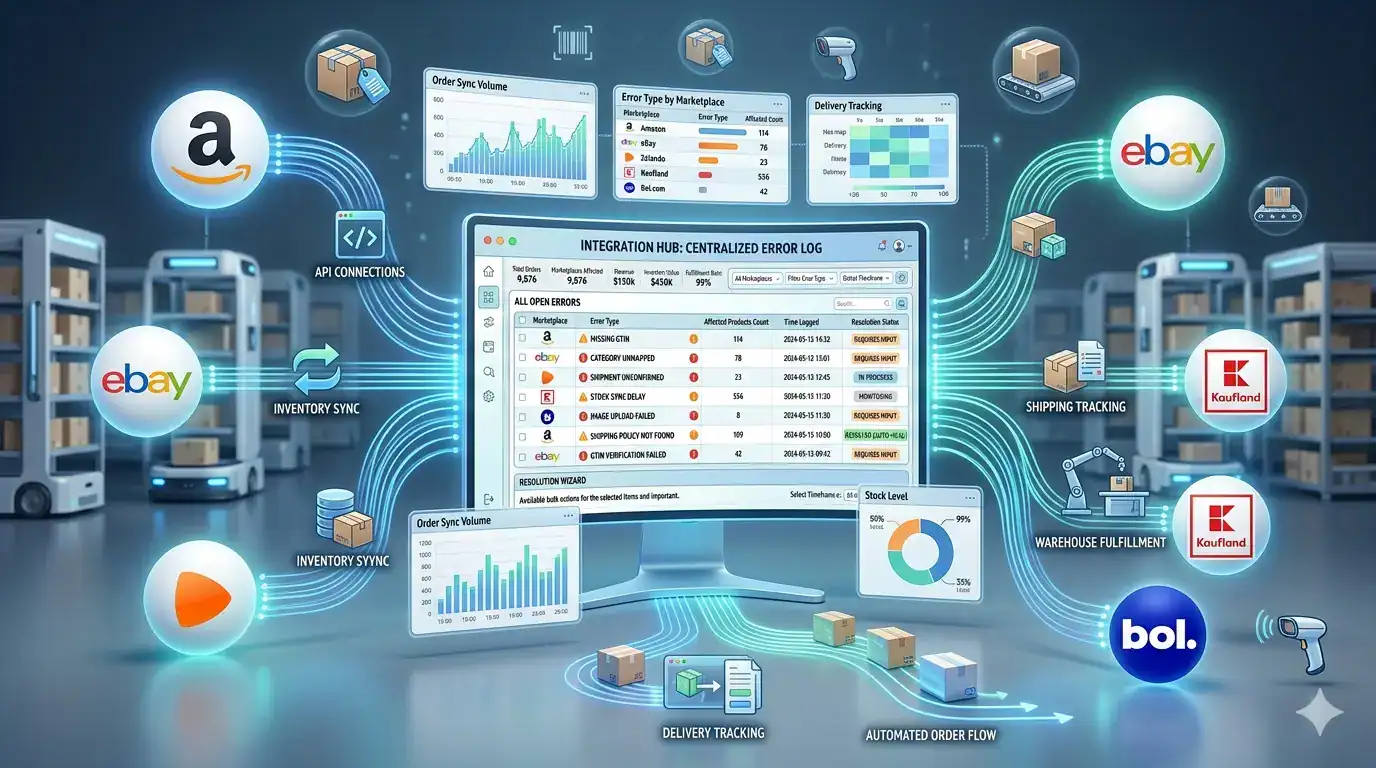
Selling on a marketplace is not the same as submitting a product feed to an advertising channel. When a customer buys from you on bol.com or Amazon, a commercial transaction happens that your store needs to know about, fulfil, and confirm – and the marketplace needs to receive real-time stock updates to prevent the next customer from ordering something you no longer have. This two-way operational relationship is what marketplace integration is built to manage.
This guide covers everything you need to understand about how marketplace integration works – the technical foundations, the order and inventory sync mechanics, returns handling, and the specific errors that cause the most disruption for sellers operating across multiple channels simultaneously.
(more…) Continue reading →
Google Shopping drives over 85% of all retail paid search clicks in most European markets. For online merchants selling physical products, it is typically the highest-volume paid acquisition channel available and the quality of your product feed determines how much of that traffic you actually reach.
This guide covers everything you need to set up a Google Shopping feed from a WooCommerce or Shopify store: what a feed is, which attributes Google requires, how to get your feed into Google Merchant Center, what errors to fix, and how to keep your feed performing over time. If you are setting this up for the first time, work through the sections in order. If you are troubleshooting an existing feed, jump to the error reference table.
(more…) Continue reading →