Menu

Easily сreate NaOperak product feed

Promote your products on NaOperak and boost your sales. Koongo automates your product feeds, helping you reach millions of potential buyers.

*Free plan available. No credit card required. Paid plans from 24 EUR/month.

Getting started: Key info for users

badge image

Why promote your products on NaOperak?

  • Targeted leasing audience – NaOperak connects sellers to businesses and individuals seeking operational vehicle lease deals.
  • High-intent traffic – Buyers on NaOperak are actively comparing leasing offers, making your products highly relevant.
  • Local market focus – Primarily serves Czech and Slovak markets, ideal for region-focused automotive sellers.

Seller requirements for NaOperak To list successfully, ensure your shop meets:

  • Legally registered business in Czechia or Slovakia, capable of offering local leasing agreements.
  • Structured product feed in XML format, including vehicle model, lease terms, price, and availability. Koongo automates feed creation and updates.
  • Supported markets – Your feed must be configured for Czech and/or Slovak operations.
  • Accessible feed URL – Hosted and refreshed regularly by Koongo for smooth integration.
  • Leasing offer compliance – Ensure all lease parameters (terms, mileage, fees) meet NaOperak’s standards and appear clearly in your feed.

Show more

Show less

placeholder image

How to promote your products on NaOperak with Koongo Setting up NaOperak integration is quick and simple with Koongo. Follow these steps to get started

Create a Koongo account
Connect your store to Koongo
Add NaOperak feed
Optimize your feed
Publish your product feed on NaOperak
  1. Create a Koongo account: Just enter your email and create your Koongo account to get started.
  2. Connect your store to Koongo: Connect your e-commerce store to Koongo using direct API integration. If direct API integration is not available, you can alternatively connect through a custom product feed. For more details, check the Koongo Help Guide.
  3. Add NaOperak feed: Access the Koongo feed manager, select NaOperak, and choose the appropriate feed type for your needs. Koongo will then create a product feed based on your store’s data, ensuring it meets NaOperak’s requirements.
  4. Optimize your feed: Utilize Koongo's advanced tools to filter, organize, and align NaOperak's specifications for enhanced product visibility and performance.
  5. Publish your product feed on NaOperak: Share your product feed on NaOperak to enhance visibility and boost sales.

Why integrate with Koongo?

Koongo simplifies multichannel selling by automating product listings, keeping inventory data up to date, and streamlining order processes — so you can focus on growing your business instead of managing daily operations.

What is NaOperak integration? NaOperak integration enables you to create a product feed and connect your store directly to NaOperak. With Koongo, you can automate feed creation, sync inventory in real-time, and enhance your product visibility.

Why use Koongo for Integration? Koongo simplifies your NaOperak product feed management by automating updates, optimizing product data, and ensuring compliance with NaOperak’s requirements.

Benefit icon

Product feed automation

Automatically create and maintain your product feeds for the NaOperak. Our predefined templates simplify setup, ensuring feeds are always up to date and uploaded seamlessly, optimizing your product data for maximum performance.

Benefit icon

Affordable pricing

Get started with Koongo for free - no credit card required. Paid plans start at €24 per month, with pricing based on resources like stores, products, feeds, marketplaces, and add-ons. Scale your plan up or down anytime as your business grows.

Benefit icon

Frequent feed updates

Avoid out-of-stock problems with Koongo’s frequent feed updates! Our system automatically refreshes your product feeds across all your sales channels, so your listings are always accurate. This helps you save on advertising costs and keeps your customers happy!

Benefit icon

Product customization

Boost efficiency with Rules Editor! Transform product attribute values using numerical, text, or advanced operations with simple rules, like changing prices to cover fees. Automate tasks and use filters to choose the right products.

Supported e-commerce platforms Koongo’s NaOperak integration is compatible with various e-commerce platforms, allowing you to manage NaOperak channel listings, inventory, and orders directly from your store environment

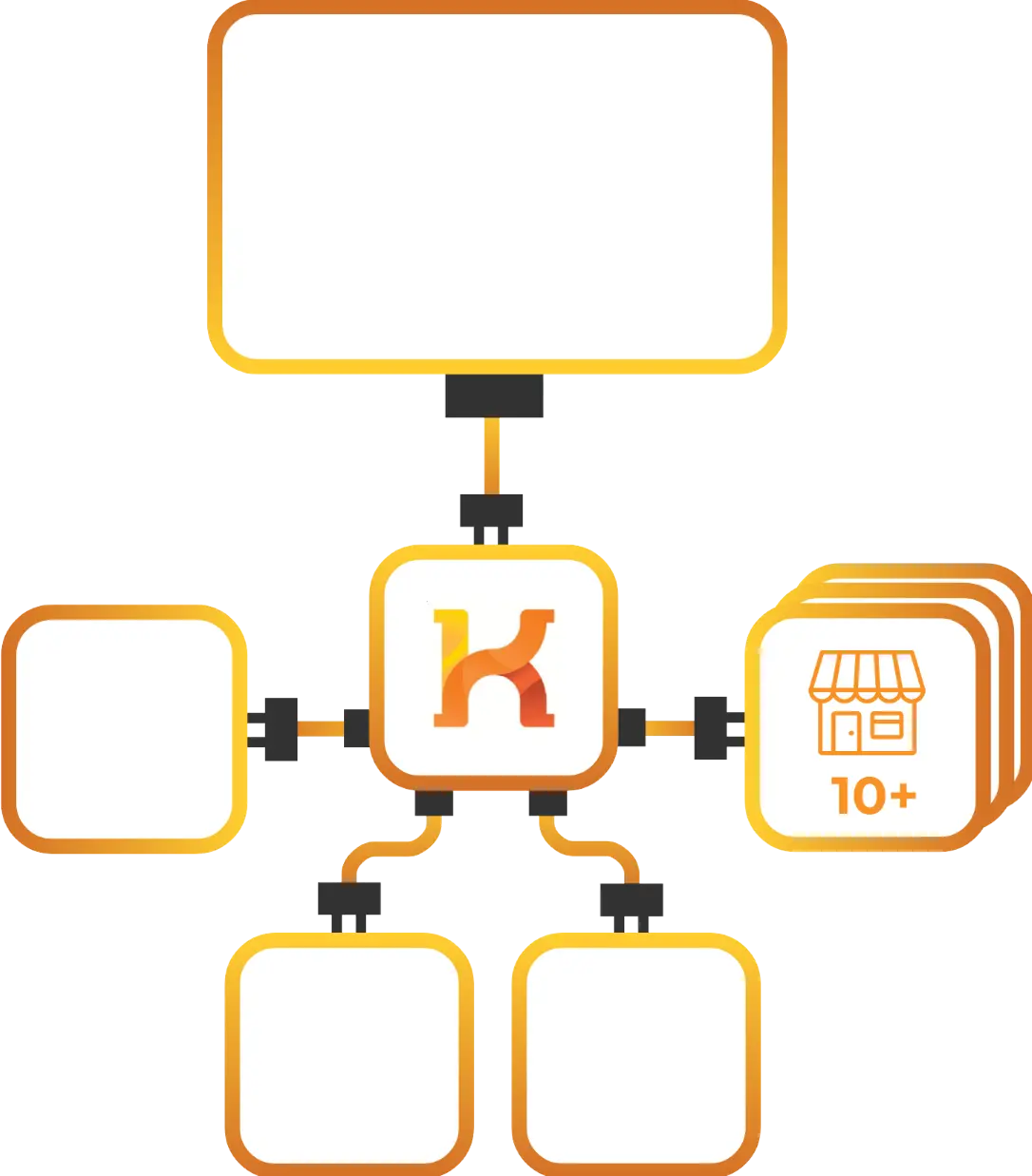
How integration works

  1. Connect your store
    Link your Shopify, Magento, WooCommerce, or other store to Koongo in just a few clicks. Koongo automatically imports your product data—no manual setup required.

  2. Choose the NaOperak channel
    Select NaOperak from Koongo’s supported marketing and advertising channels. Koongo helps format your product titles, categories, and images to meet ad platform specs—so your ads display correctly and attract attention.

  3. Optimize your product feed
    Customize your product feed to fit your campaign goals. Exclude low-margin items, adjust prices, or promote specific collections—ensuring your budget goes to the products that perform best.

  4. Koongo keeps everything updated
    Koongo updates your product feed every 60, 15, or 5 minutes (depending on your plan). NaOperak always gets the latest product data—helping you avoid disapproved ads, overselling, or mismatched pricing.

 

FAQs

Koongo syncs your product feed every 15 minutes to ensure accuracy.
Yes, Koongo allows you to filter and map your products to match NaOperak’s categorization requirements.

Sell everywhere with Koongo

or contact us for more details