Menu

Effortless Blokker integration for your online store

Optimize your Blokker selling process with Koongo. Automate product listings, synchronize inventory, manage orders, and grow your sales.

*Free plan available. No credit card required. Paid plans from 24 EUR/month.

Selling: Essential info for new sellers

badge image

Why sell on Blokker?

  • Established Brand: Leverage Blokker's reputation as a trusted household name in the Netherlands.
  • High Traffic: Access over 4 million monthly visitors on Blokker.nl.
  • Diverse Categories: Sell across more than 20 product categories, including home appliances, personal care, and toys.
  • Marketing Support: Benefit from Blokker's marketing and advertising initiatives to boost your product visibility.

Blokker seller requirements

To start selling on Blokker, ensure you meet the following criteria:

1. Registered Business

Your company must be officially registered and authorized to sell products in the Netherlands.

2. Product Feed Submission

You must provide a complete and structured product feed, which can be easily created and managed with Koongo. Feeds must be updated regularly to reflect current inventory, prices, and availability.

3. Language and Currency

All product information must be provided in Dutch, and prices should be listed in Euros (EUR).

4. Customer Service

Provide responsive customer support to handle inquiries and returns efficiently.

Show more

Show less

placeholder image

How to start selling on Blokker with Koongo

Easily integrate your store with Blokker using Koongo. Follow these steps to get started.

Create a Koongo account
Connect your store to Koongo
Use the Koongo wizard to set up Blokker integration
Optimize Blokker listings with Koongo tools
Activate integration and start selling on Blokker
  1. Create a Koongo account: Sign up and create your Koongo account.
  2. Connect your store to Koongo: Link your e-commerce platform to Koongo via direct API integration. If API integration is not available, you can connect through a custom product feed. For more details, check the Koongo Help Guide.
  3. Use the Koongo wizard to set up Blokker integration: Follow the step-by-step process in the Koongo wizard to configure your Blokker integration. This includes product settings, order synchronization, and data submission.
  4. Optimize Blokker listings with Koongo tools: Use Koongo’s advanced tools to refine your product data. Adjust titles, descriptions, and pricing using filtering, attribute modifications, and the Macro Editor. Learn more about advanced operations in the Macro Editor Overview.
  5. Activate integration and start selling on Blokker: Finalize the setup by activating the integration in Koongo. Once activated, Koongo will start syncing product and order data with Blokker.

Why integrate with Koongo?

Koongo simplifies multichannel selling by automating product listings, keeping inventory data up to date, and streamlining order processes — so you can focus on growing your business instead of managing daily operations.

What is Blokker integration?

Blokker integration refers to the connection of your e-commerce store with the Blokker channel, allowing for streamlined product listings, inventory syncing, and order management. By integrating with Blokker, you can manage your sales without needing manual updates. With Koongo, you can automate and simplify your Blokker sales activities, saving time and reducing errors across channels.

Why choose Koongo for integration?

Koongo simplifies your Blokker integration by automating product listings, synchronizing inventory, and providing tools for dynamic pricing and centralized order management.

Benefit icon

Step-by-step integration wizard

Koongo's intuitive setup wizard enables you to seamlessly adjust marketplace and other sales channel integrations, ensuring a hassle-free experience from start to finish. The built-in health report helps merchants quickly spot and fix any potential issues.

Benefit icon

Affordable pricing

Get started with Koongo for free - no credit card required. Paid plans start at €24 per month, with pricing based on resources like stores, products, feeds, marketplaces, and add-ons. Scale your plan up or down anytime as your business grows.

Benefit icon

Product listing automation

Automate your product listings with Koongo. Easily upload, edit, and sync product information across all channels, ensuring data accuracy without manual updates. Spend less time on tedious tasks and more time growing your business.

Benefit icon

Frequent inventory updates

Say goodbye to overselling with Koongo’s frequent inventory synchronization. Our system automatically updates stock levels across all your sales channels, ensuring your inventory is always accurate.

Benefit icon

Product customization

Boost efficiency with Macro Editor! Transform product attribute values using numerical, text, or advanced operations with simple rules, like changing prices to cover fees. Automate tasks and use filters to choose the right products.

Benefit icon

Automatic order syncing

Koongo automatically imports your marketplace orders and syncs your inventory, allowing you to manage all orders from one place. Simplify fulfillment and save time with reduced manual effort.

Supported e-commerce platforms

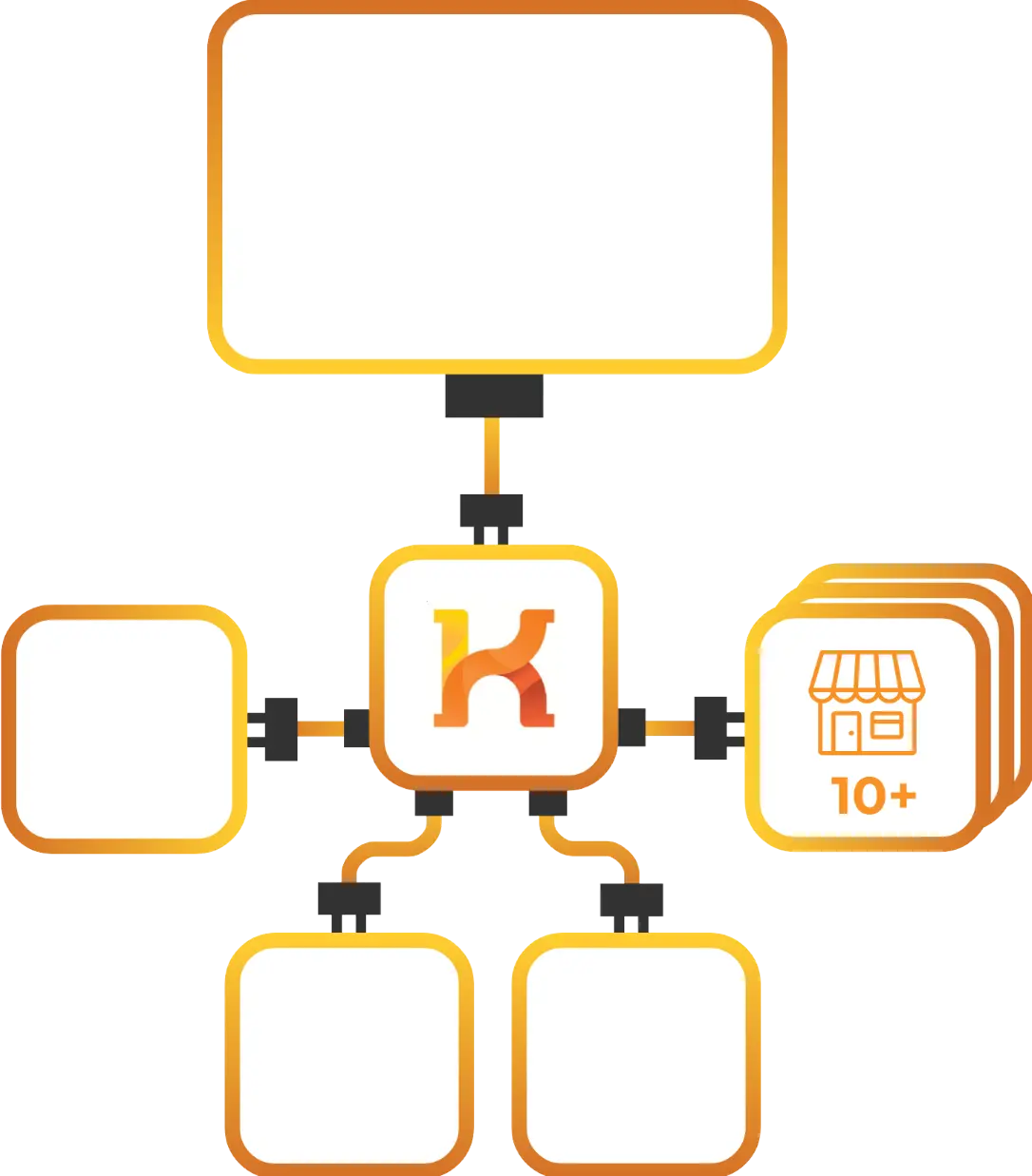
Koongo’s Blokker integration is compatible with various e-commerce platforms, allowing you to manage Blokker channel listings, inventory, and orders directly from your store environment

How integration works

  1. Set up your Blokker integration
    Create your Koongo account, connect your store, and follow the simple setup steps to link with Blokker. No technical skills needed.

  2. Sync your products to Blokker marketplace
    Use the Koongo wizard to set up your Blokker integration step by step—including product settings, order sync, and product listing submission to Blokker.

  3. Automate inventory and order updates
    Koongo keeps your inventory and orders synced in nearly real time between your store and Blokker. No more overselling or manual updates—just smooth, reliable operations.

  4.  Track your sales and grow smarter
    Use Koongo’s built-in reports to track your Blokker sales performance. Spot trends, adjust your strategy, and keep improving your results with confidence.

 

FAQs

Koongo allows you to create and manage promotions, dynamic pricing, and discounts for Blokker.
Yes, Koongo supports large inventories with efficient syncing.
Absolutely! Koongo integrates with 500+ platforms for streamlined multi-channel management.
Blokker product listings appear in search results, categories, and personalized recommendations, ensuring maximum visibility to buyers.

Sell everywhere with Koongo

or contact us for more details