Menu

Product Feed ManagementFeed management made simple & NoStress

  • Automate your product feeds and keep your products listed across all sales channels.
  • Reach more buyers through 500+ marketplaces, affiliate networks, price comparison sites, and shopping channels.

What is Koongo feed manager?

Koongo feed manager enables e‑commerce businesses to manage, transform, and distribute product data across multiple online channels with ease. With ready‑to‑use feed templates, advanced automation, and smart feed logic, it saves time and boosts sales.

Feed distribution & scheduling

Distribute your product feeds to hundreds of sales channels and keep them always up to date.

Product feed distribution to 500+ sales channels

Koongo lets you list products across hundreds of marketplaces, comparison engines, affiliate networks, and social media.

  • Prebuilt feed templates for sales channels like Google Shopping, Meta Ads, Bing, TikTok, Pinterest, and many others
  • Marketplace integrations are managed primarily through the Marketplace Manager, supporting platforms like Amazon, Bol, and eBay via Wizard-based workflows
  • Full support for multiple accounts per marketplace
  • Channel-specific settings and filters

Feed scheduling and frequency

Keep your listings always up to date with real-time data delivery.
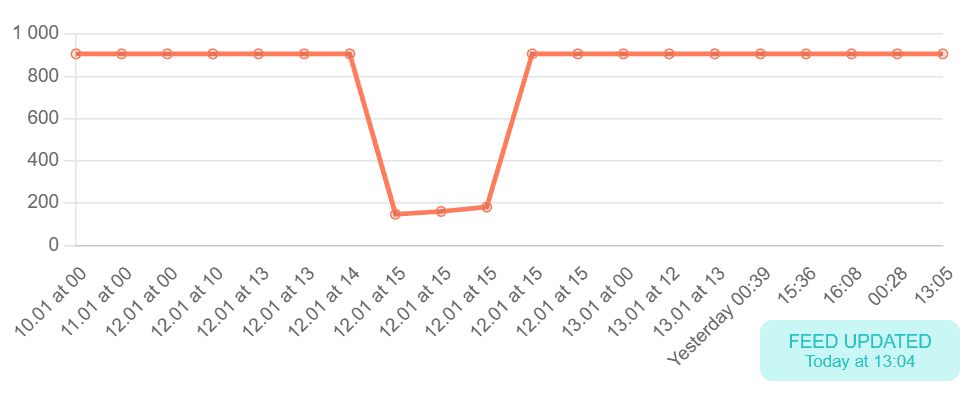
  • Feeds are kept current via URL-based sync, fetched by ad platforms (e.g. Google Merchant Center, Meta Catalog)
  • Sync frequency options: every 5, 15, or 60 minutes
  • Automatic updates triggered by changes in store data

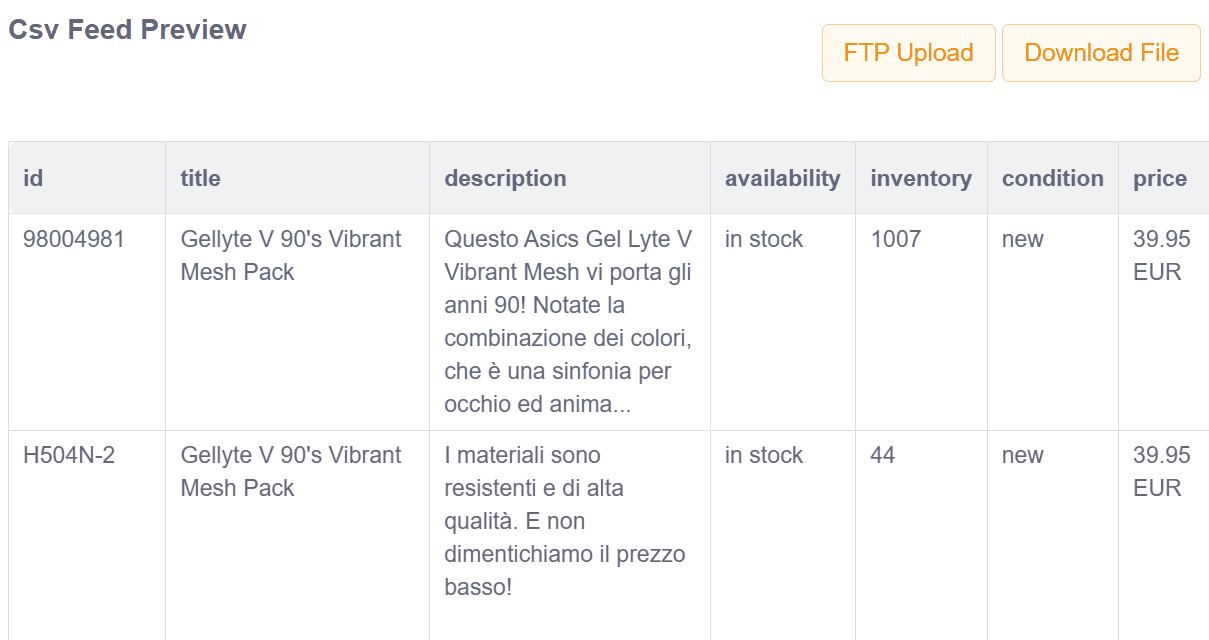
Visual product feed preview

Preview exported data before publishing.

  • See mapped attributes and transformed values
  • Debug errors or missing data easily
  • Filter preview table by SKU, channel, or export field

Product data optimization & customization

Optimize your product data for every channel’s requirements.
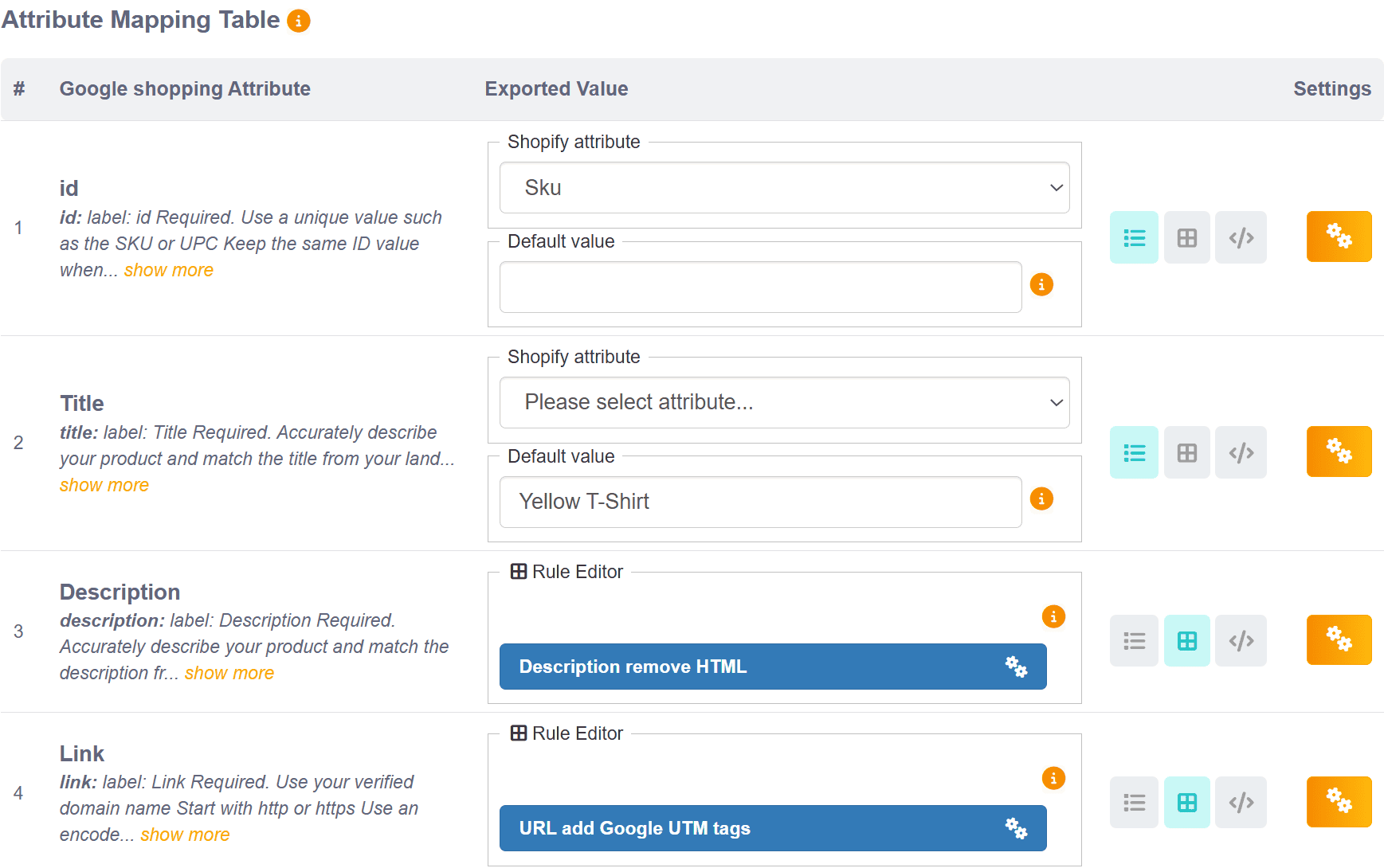
Attribute mapping and default values

Align your product data with each channel’s requirements.

  • Map store attributes to expected feed fields
  • Set default values for missing attributes
  • Handle localization and currency specifics
  • Preview export values inline

AI-based Category mapping

Ensure your products appear in the right taxonomy categories — automatically.
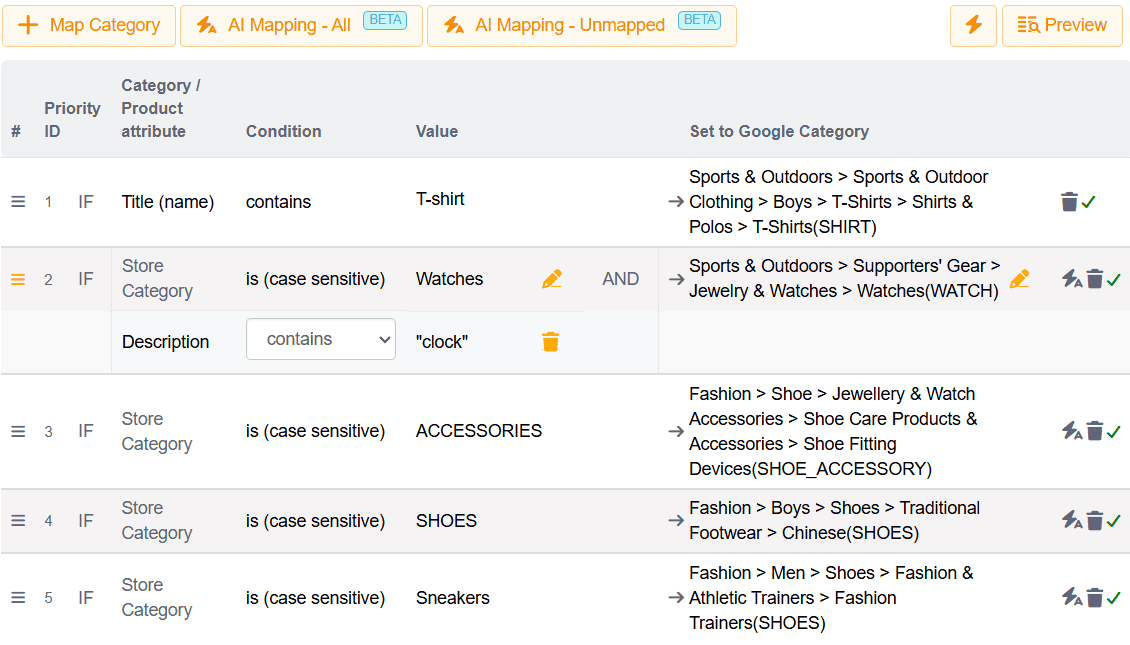
  • AI-powered mapping matches your store categories to the most relevant marketplace categories.
  • Use advanced mapping rules to select products by any attribute and assign to relevant marketplace category.
  • Easily check and preview unmapped categories to ensure complete coverage.
  • Improves listing relevance and discoverability on marketplaces.

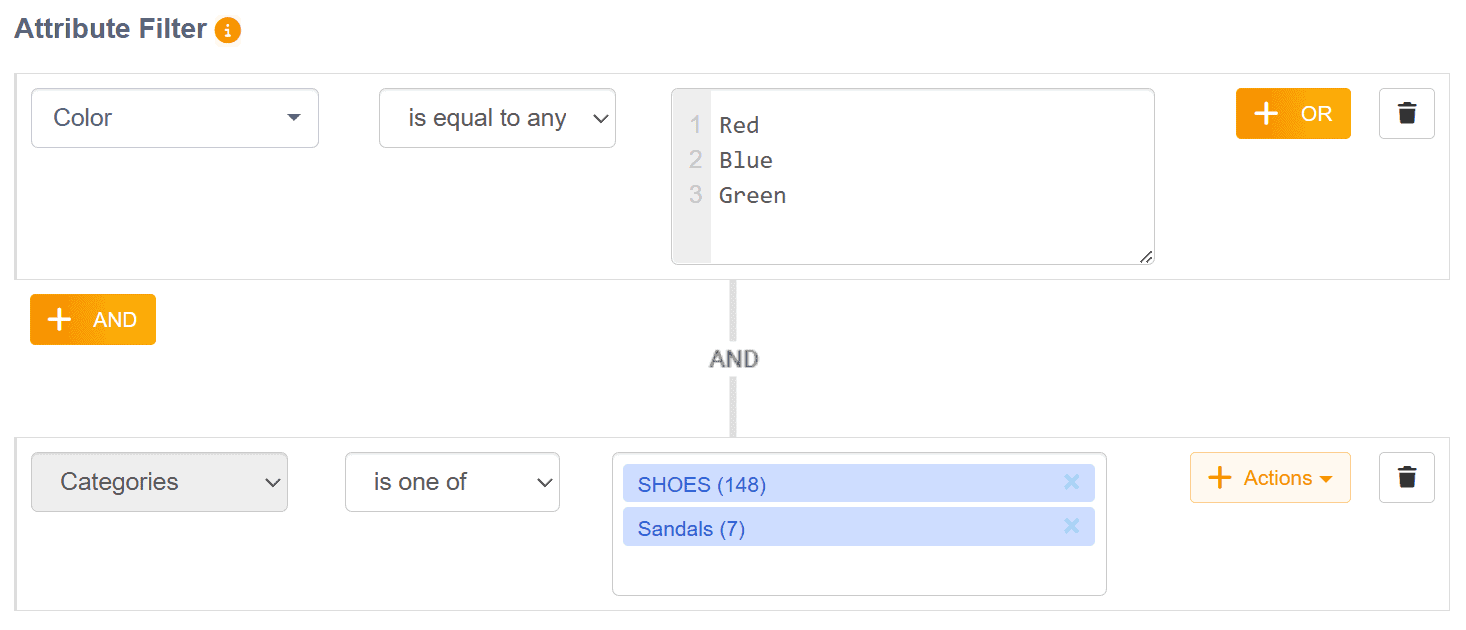
Product filtering

Select products appear in your feeds and exports.

  • Include/exclude by price, stock, tag, type, collection, or vendor
  • Stack multiple conditions for precise filtering
  • Create seasonal or campaign-specific feeds

Advanced product data transformation

Use rules to create powerful attribute rules and conditions without touching code.
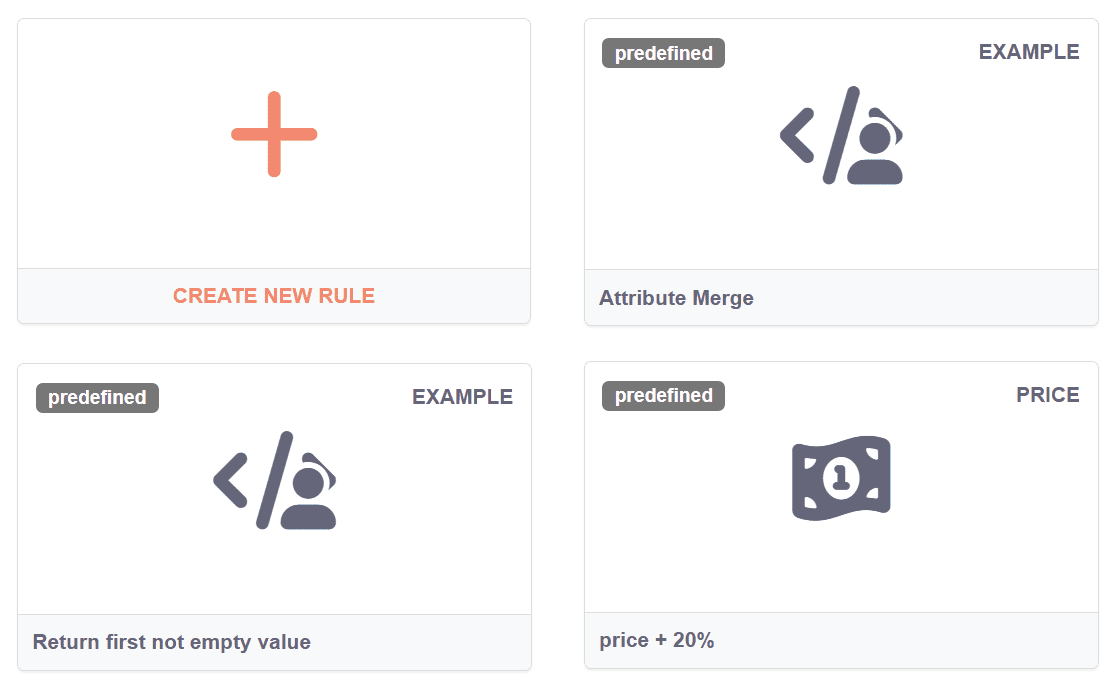
  • Extract, format, merge, or split attribute values
  • Apply formulas (e.g. price + 15%, round to nearest whole number)
  • Build if/else logic per feed, channel, or attribute
  • Automate fallback values and complex data flows
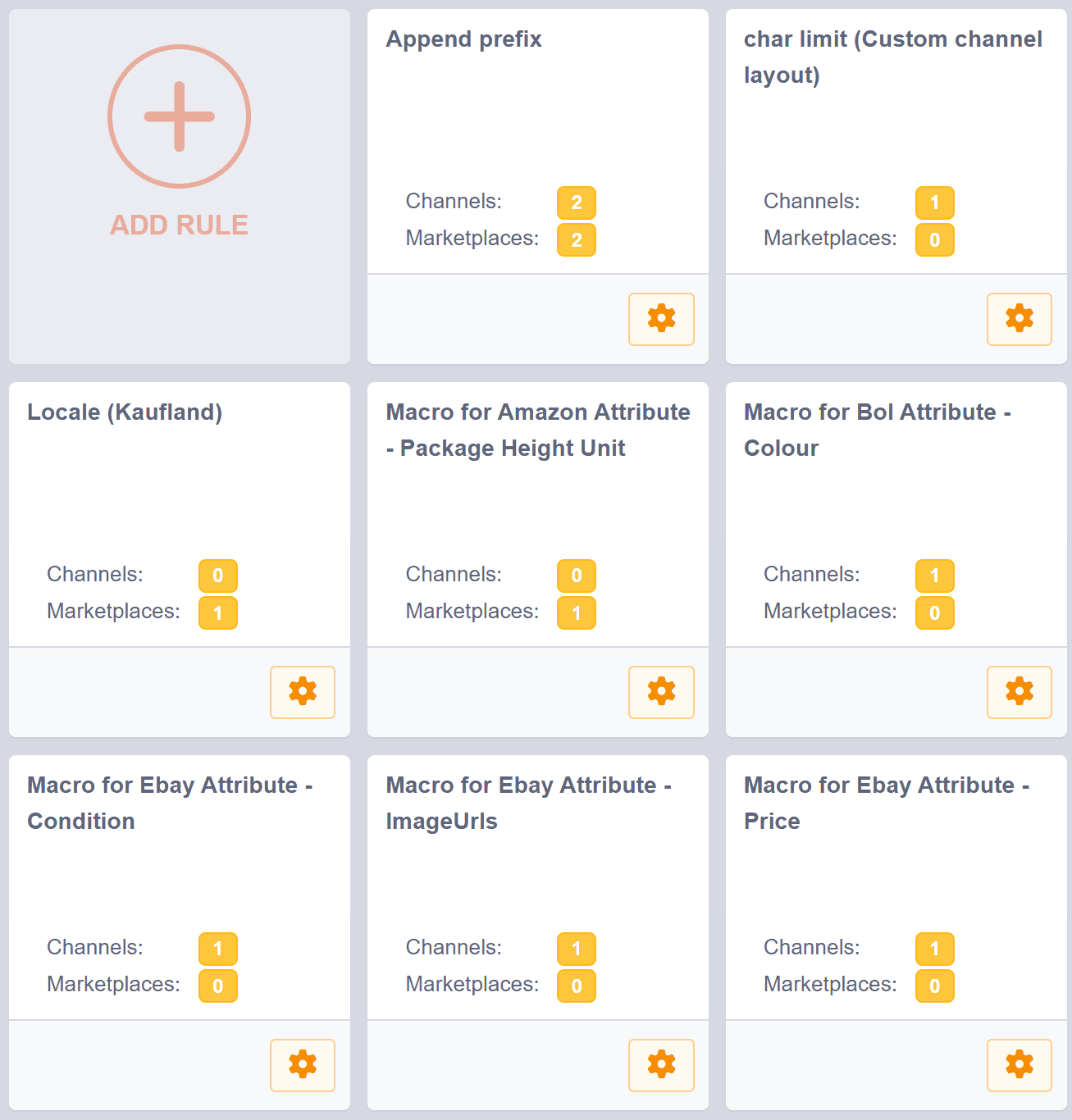
  • Library of reusable rules or custom ones per case

Multilingual and multi-currency support

Create localized feeds for each market.

  • Export product data in multiple languages (based on available store content; typically via separate store views per language)
  • Adapt pricing per currency for global campaigns
  • Match country-specific shipping or tax requirements

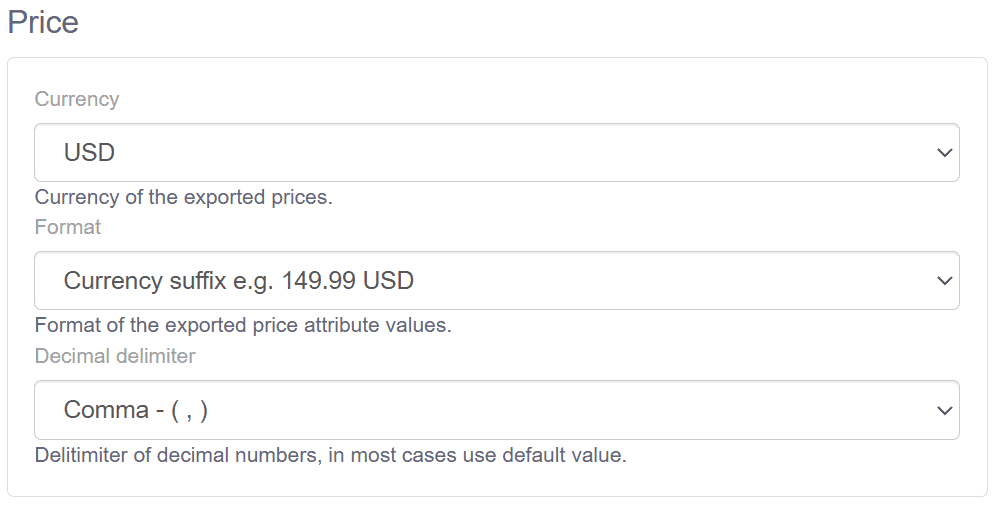
Channel-specific pricing customization

Customize product prices for each marketplace individually.
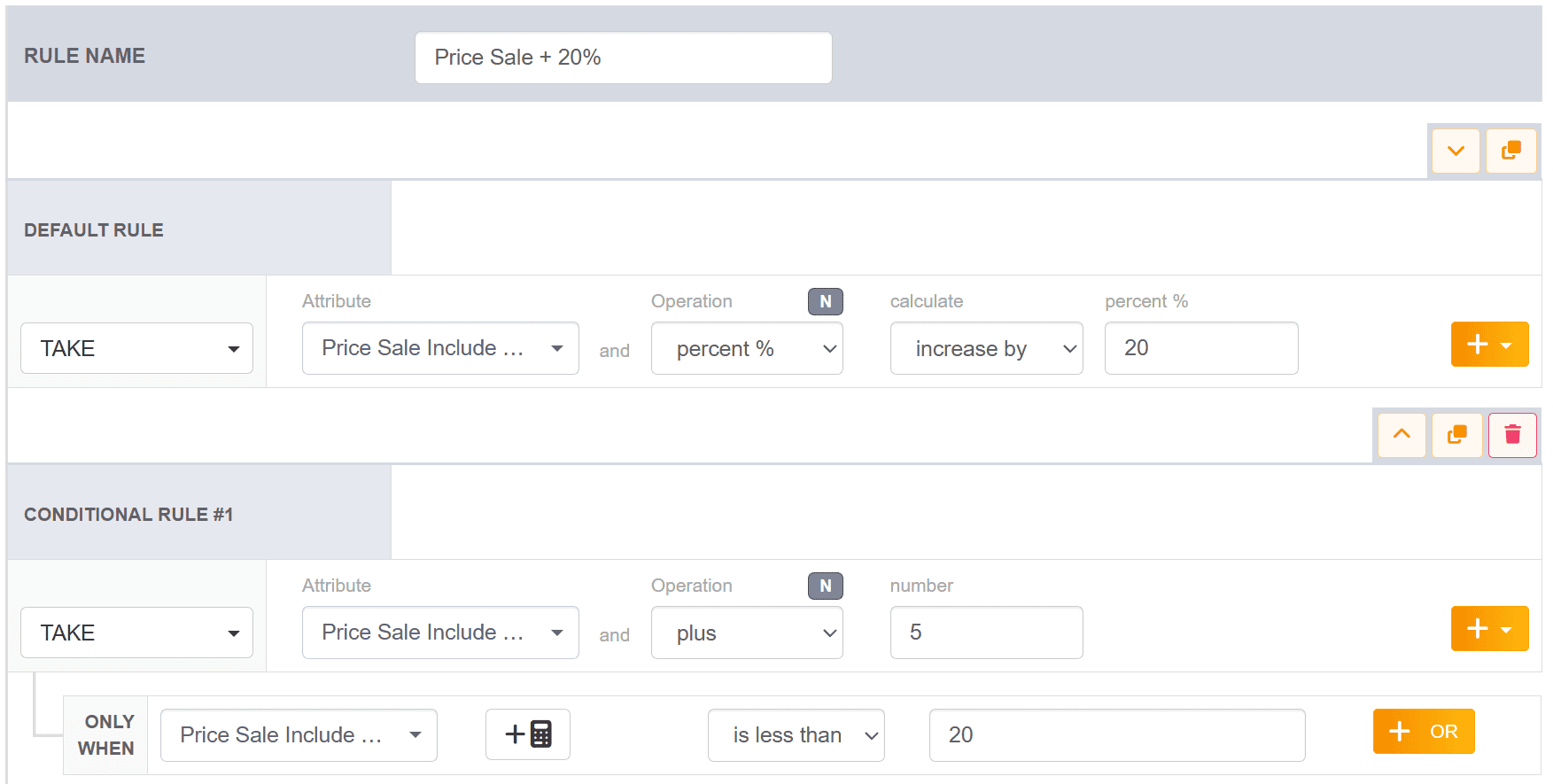
  • Define static or dynamic price per platform
  • Combine with rules to apply markups or promotions
  • Ensure pricing complies with channel requirements (e.g. VAT rules)

Master rules

Define your product data logic once - apply it everywhere.

  • Master Rules let you create unlimited, advanced conditions and transformations for any attribute - without touching code.
  • Build consistent, reusable rules that automatically apply across all feeds and integrations.
  • Reduce manual edits and keep your product information accurate and aligned everywhere.
  • Simplify complex data setups with centralized control.


Custom feed builder

Create personalized product feeds when default templates are not enough.
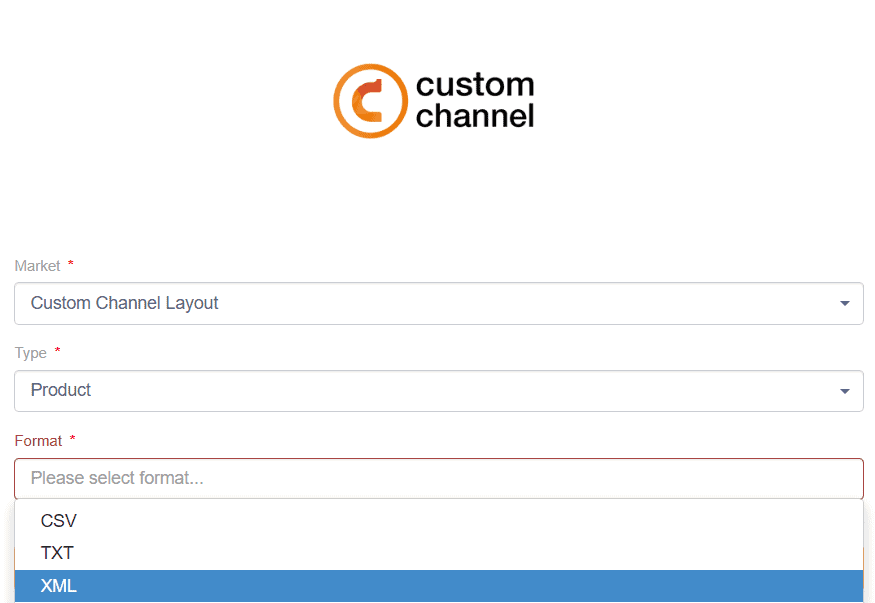
  • Build feeds in CSV, XML, JSON, TXT formats
  • Customize delimiters, encoding, and structure
  • Define which attributes are included and how
  • Perfect for B2B exports, niche platforms, or analytics tools

Show more

Show less

Order & performance management

Manage your marketplace orders and track feed performance from one place.
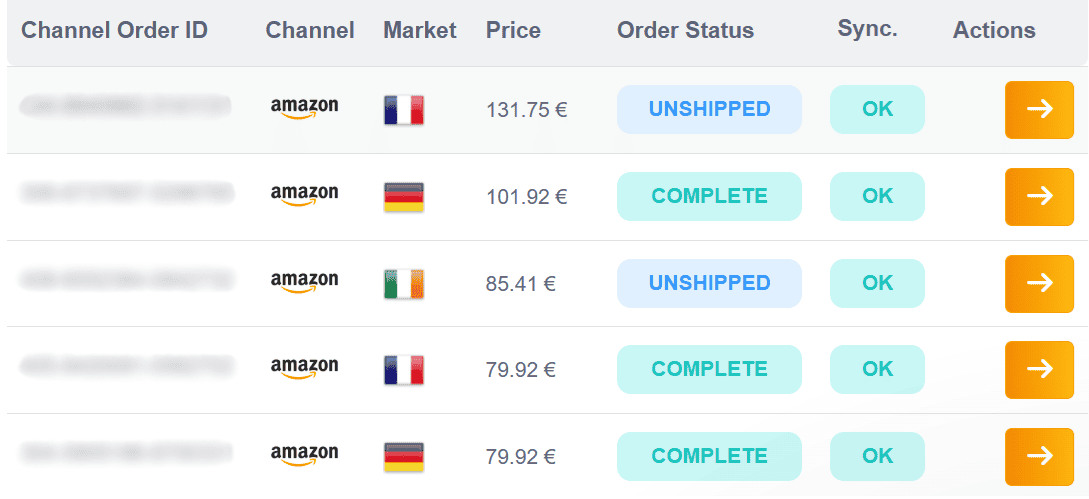
Order sync and management

Import and manage orders from supported marketplaces in your store backend (gradually shifting to wizard-based management).

  • View order history from multiple channels
  • Frequent sync status and order log per item
  • Sync order status updates back to the marketplace
  • Centralized view with refund, cancel, and shipping status

Order analytics and reporting

Measure feed effectiveness through real-time data.
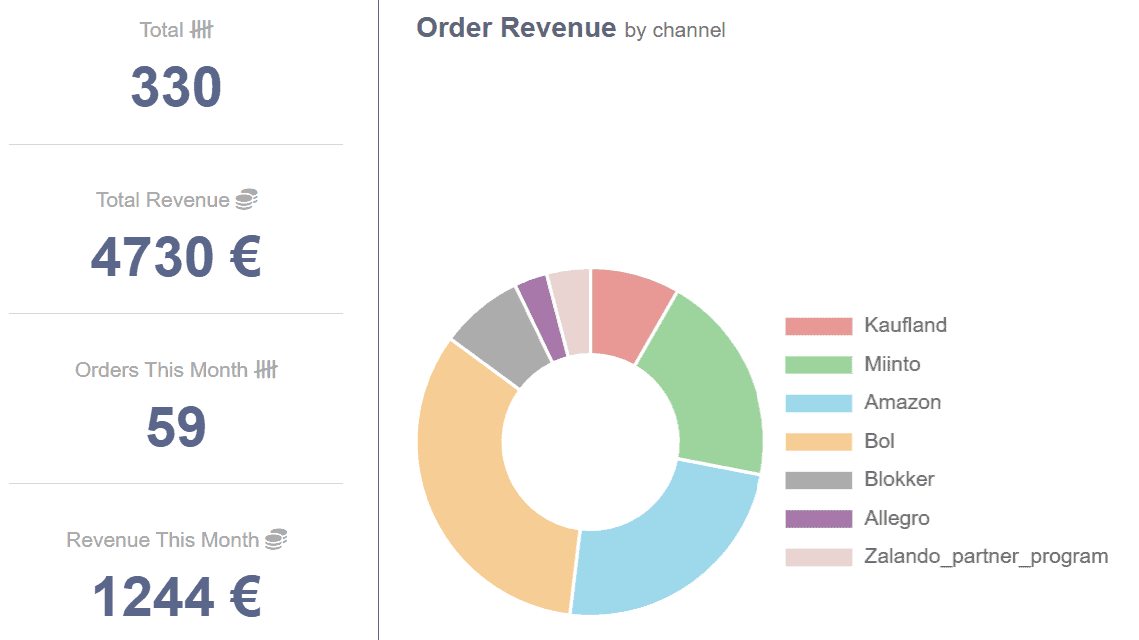
  • Revenue and order count per marketplace
  • Graphs of submission performance
  • Filter by date range or channel

Sync monitoring and logs

Stay in control of your product data, know exactly what was sent, when, and where.

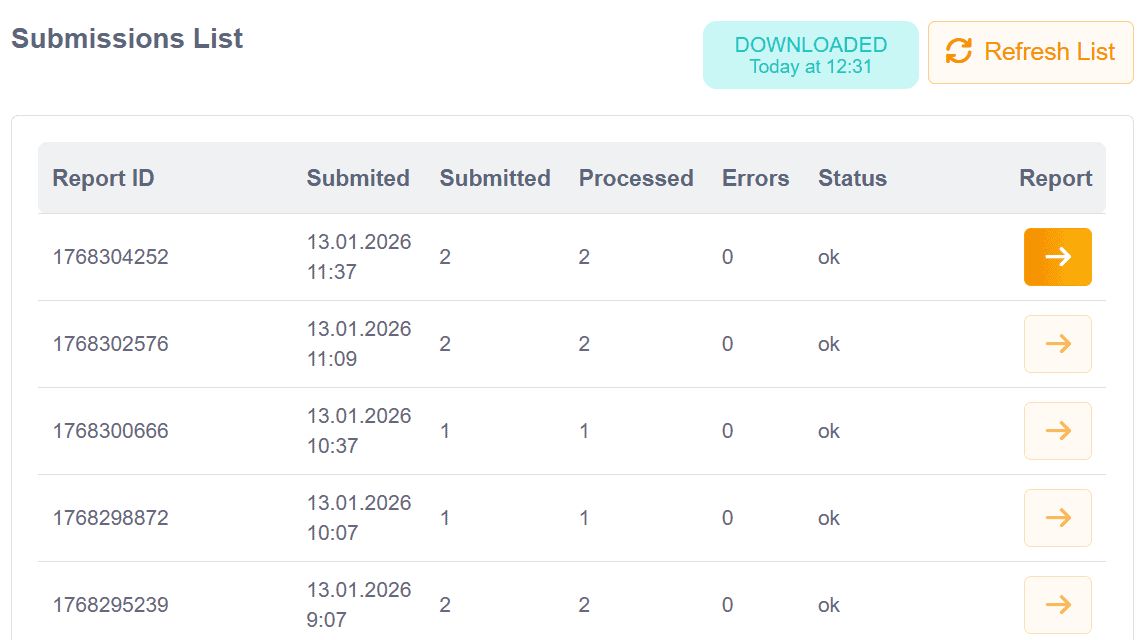
  • Get a clear history of all feed exports with timestamps and delivery status
  • Track API submissions on supported platforms (gradually shifting to wizard-based management)
  • Instantly spot failed or incomplete syncs and resolve issues faster
  • For standard channels, monitor regular feed downloads handled directly by Koongo

Transparent billing and usage tracking

Stay in control of your subscription.

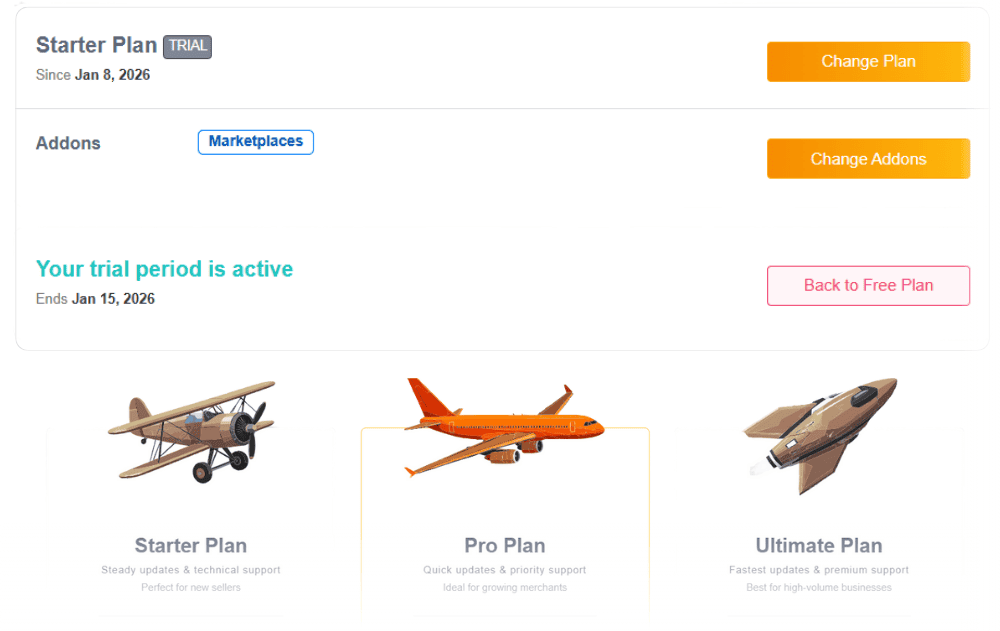
  • See order and feed usage directly in dashboard
  • Monthly summary available in real-time
  • Upgrade or downgrade anytime

Show more

Show less

How it works

Create your free Koongo account
Set up your product feed
Publish and start selling
  1. Create your free Koongo account
    Start your free plan and connect your store (e.g., Shopify, WooCommerce, etc.).
  2. Set up your product feed
    Choose a sales channel, map product attributes, apply filter or rule settings, and select the products you want to export.
  3. Publish and start selling
    Upload your feed to the selected channel, list your products, and begin selling automatically.

Why use Koongo?
  • Fully visual and no coding needed

  • Frequent synchronization of data and orders

  • Smart reporting and sync monitoring

  • Deep integration with 500+ sales channels

  • Perfect for merchants scaling across multiple sales channels

  • Start free — no credit card needed

placeholder image

FAQs

Koongo’s rules editor lets you automate attribute changes like price adjustments, text formatting, or merging fields — no coding needed.
Yes, Koongo’s product filters let you include or exclude items based on stock, price, category, or any other custom condition.
Absolutely. You can build your own XML, CSV, or JSON feed with full control over structure, fields, and logic.
Feed and order sync can run every 5, 15, or 60 minutes, depending on your plan. Order import is automatic for supported marketplaces.
Yes. You’ll see sync logs, feed statuses, and detailed error messages for each product, making issue resolution fast and easy.
You can map your store’s product attributes to any channel’s required fields, with support for default values and field priorities.
Yes, Koongo’s dashboard gives you channel-based revenue stats, order history, and performance charts over time.

Start automating your product feeds and reach new markets